Digital privacy is no longer something only tech professionals worry about. In 2026, it affects almost everyone who uses a phone, creates accounts, shops online, pays bills, or even checks the weather. Every app, website, and device asks for a little more data than it did a few years ago, and that makes digital privacy habits in 2026 more important than ever.
The good news is that protecting your personal information does not require advanced technical skills. In many real-world situations, the strongest privacy habits are also the simplest ones: using stronger passwords, reducing unnecessary app permissions, checking website safety before entering details, and being more selective about what you share. If you have already started building habits like the ones in How to Keep Your Personal Data Safe Online in 2026, you are already ahead of many internet users.
This guide breaks down practical, everyday privacy habits that can help you reduce exposure, limit tracking, and stay safer online without making your digital life difficult.
Why digital privacy habits matter more in 2026
Most people think privacy only matters when they are doing something sensitive, like banking or shopping. In reality, a lot of personal risk begins much earlier. Advertising profiles, app tracking, email monitoring, and account credential leaks can all create a detailed picture of your life over time.
For example, when a shopping app knows your location, device type, browsing behavior, and purchase history, it can personalize offers. That is not always harmful by itself. But when multiple services combine the same data, your digital footprint becomes much larger than most users realize. The Federal Trade Commission continues to warn consumers that companies and scammers can use personal data in ways people do not expect, especially when information is collected too casually or shared too widely. The FTC’s privacy and scam guidance is a good reminder that privacy is not only about hiding; it is also about controlling access.
In real-world situations, privacy often fails because of small repeated habits, not one major mistake. One weak password, one public post with too much detail, or one app with excessive permissions can be enough to create a bigger problem later.
Start with the accounts that matter most
The first step in strengthening digital privacy habits in 2026 is to protect the accounts that control everything else. Your email account, cloud storage, banking login, and primary phone number should all be treated as high-value targets.
Why these first? Because if someone gets into your email account, they can often reset passwords for other services. If they access your phone number, they may intercept verification codes or trick support systems. If they enter your cloud storage, they may see photos, documents, and recovery data.
A strong starting point is to review your email and account security setup, especially if you have not done so recently. A practical guide like Protect Your Email Account From Hackers in 2026 can help you build a better defense around your most important account. For password hygiene, How to Use a Password Manager in 2026 is especially useful because it reduces the temptation to reuse the same password everywhere.
The National Institute of Standards and Technology also recommends stronger password practices and modern authentication methods in its digital identity guidance (NIST digital identity guidelines). That advice aligns well with practical consumer privacy habits.
Use two-factor authentication everywhere it makes sense
If there is one habit that delivers immediate value, it is two-factor authentication. Many people still think of it as a nuisance, but in practice it can stop a stolen password from becoming a full account takeover.
A weak or reused password may eventually leak in a breach. A second factor gives you another layer of protection. That is why services handling email, banking, cloud backups, and shopping should all have it enabled where available.
A useful walkthrough is How to Set Up Two-Factor Authentication in 2026. It is especially important for readers who use their phones for nearly everything, because mobile devices are now central to identity verification.
In real-world situations, two-factor authentication is often the difference between a minor login alert and a serious account compromise. CISA’s Secure Our World campaign continues to encourage people to use stronger authentication, unique passwords, and software updates because those habits are simple and effective.
Be more selective about what you share online
A major privacy mistake is not always a technical one. Often, it is over-sharing.
Social platforms, public forms, and casual posts can reveal surprisingly useful details to strangers or scammers. Your birthday, employer, school, family names, travel plans, or even your routine can all be used to guess security questions or personalize a scam message.
For example, if you publicly announce that you are traveling, that information may be harmless on its own. But if the same account also shares your neighborhood, workplace, and hobbies, a stranger has more context than you intended.
This is where small habits matter. Before posting, ask:
- Does this need to be public?
- Could this detail help someone guess my passwords or impersonate me?
- Is there a safer way to share it?
Readers who want to go deeper can pair this habit with How to Create a Family Online Safety Plan in 2026, especially if multiple people in the household use shared devices or accounts.
The FBI also warns that criminals use personal information to build trust and make scams feel legitimate. Its consumer safety resources are useful for understanding how oversharing can support social engineering attacks (FBI scams and safety).
Review app permissions and device access regularly
Many users install an app once and never check its permissions again. That is a mistake.
A weather app probably does not need constant access to your contacts. A flashlight app does not need microphone permissions. A random utility app should not automatically have access to photos, SMS messages, or location unless there is a clear reason.
In real-world situations, users often grant permissions quickly because they want the app to work. Scammers and poorly designed apps both benefit from this behavior.
A healthier routine is to review app permissions every few weeks:
- Check location access
- Remove microphone and camera permissions that are unnecessary
- Limit contacts access
- Turn off background access where possible
- Delete apps you no longer use
This is one of the simplest privacy habits to maintain, and it can reduce the amount of data apps collect from your device over time.
Use secure browsing habits before entering personal details
Privacy is not only about accounts. It also depends on where and how you type your information.
Before entering a phone number, email address, card detail, or other personal data, check whether the website looks trustworthy. Mistyped URLs, fake login pages, and copycat forms are still common.
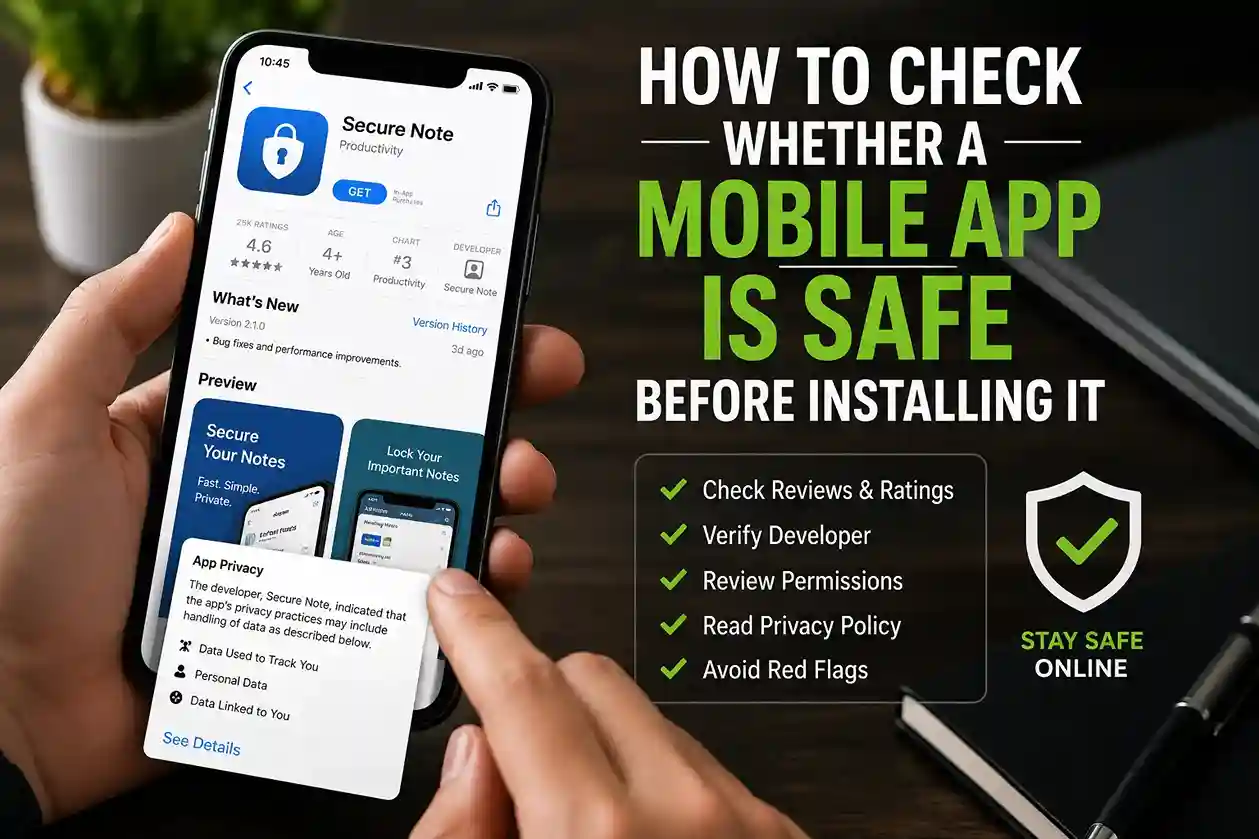
A practical guide like How to Check If a Website Is Safe Before Entering Personal Details in 2026 can help you build this habit. It is especially useful when you are shopping during sales, following links from messages, or browsing on a mobile device where smaller screens make fraud harder to spot.
You can also reduce exposure by:
- Avoiding public Wi-Fi for sensitive tasks
- Looking for HTTPS, but not trusting it blindly
- Closing suspicious tabs quickly
- Using your browser’s built-in security warnings
Google’s safety guidance reinforces the value of recognizing risky sites and keeping browser protections enabled (Google Safety Center).
Keep devices updated and reduce unnecessary tracking
Privacy and security overlap more than many users think. An outdated phone or browser can make it easier for trackers, malicious scripts, and exploits to work.
That is why routine updates matter. They are not just feature upgrades; they often close security holes and improve protection against known threats.
A practical habit list looks like this:
- Turn on automatic operating system updates
- Update browsers promptly
- Keep apps current
- Remove old extensions you no longer trust
- Restart devices occasionally so updates can finish properly
You should also look at tracking settings. Many apps and browsers allow you to limit ad personalization, restrict third-party cookies, or reset ad identifiers. These settings will not make you invisible, but they can reduce the amount of profiling that happens in the background.
For readers who are trying to build better privacy behavior across devices, How to Stay Safe on Public Wi-Fi in 2026 pairs well with this section because device updates and network caution work together.
Watch for emotional pressure and privacy traps
Privacy threats are not always technical. Some are psychological.
Scammers often use urgency, fear, or authority to push people into revealing private information. They may claim your account is frozen, your package is delayed, or your device is infected. The real goal is usually the same: get you to click, share, approve, or confirm something quickly.
That is why privacy habits should include a pause. In real-world situations, a ten-second delay can be enough to avoid a bad decision.
Before responding to urgent requests:
- Stop and read carefully
- Verify through an official app or website
- Never share OTPs or recovery codes
- Do not install remote access tools for strangers
- Ask whether the message makes sense at all
If you are building a more complete defense against deceptive tactics, How to Spot Phishing Emails and Scam Links in 2026 and Why Smart People Still Fall for Online Scams are both highly relevant reads.
Common mistakes that weaken digital privacy
Most privacy problems come from habits, not bad luck. The most common mistakes include:
- Reusing the same password across multiple accounts
- Installing too many apps without reviewing permissions
- Sharing too much personal information publicly
- Ignoring software updates
- Clicking login links from messages without verifying the source
- Leaving recovery email and phone details outdated
- Using public Wi-Fi for sensitive tasks without caution
The tricky part is that none of these mistakes usually feels serious in the moment. That is why they become habits. The more often people repeat them, the more exposure they create.
A stronger approach is to treat privacy as a routine, not a one-time fix.
Best practices to build lasting privacy habits
If you want your privacy habits to actually stick, keep them simple and repeatable.
A practical routine might look like this:
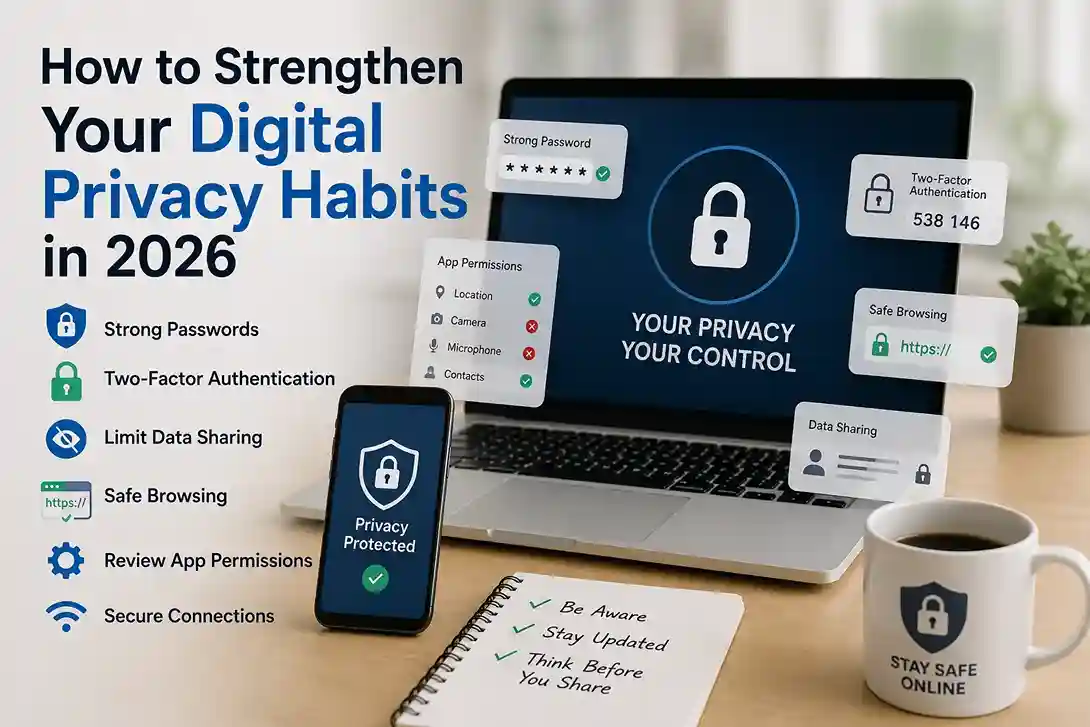
- Use a password manager
- Turn on two-factor authentication
- Review account recovery options
- Check app permissions monthly
- Update devices and browsers regularly
- Avoid oversharing on social media
- Verify websites before entering personal data
- Use trusted networks for sensitive tasks
You do not need to do everything perfectly. The goal is to reduce risk steadily. Over time, these habits create a stronger digital environment around your personal life, finances, and communication.
For readers who want a broader foundation, Cybersecurity 2026: Personal Data Protection is a strong related article that expands on everyday protection strategies.
FAQ: Strengthening digital privacy habits in 2026
What is the most important digital privacy habit in 2026?
Using unique passwords with two-factor authentication is one of the most important habits because it protects the accounts that hold your personal data.
How can I reduce privacy risks on my phone?
Review app permissions, keep software updated, use a screen lock, avoid suspicious downloads, and limit what you share through apps and social platforms.
Is public Wi-Fi always unsafe?
Not always, but it is less ideal for private tasks like banking or entering sensitive information. Using mobile data or a trusted VPN is usually safer.
Do privacy settings really help?
Yes. They do not make you invisible, but they can reduce unnecessary tracking and limit how much data is shared automatically.
What should I do first if I have weak privacy habits?
Start with your email, password reuse, and two-factor authentication. Those changes give the fastest improvement for the least effort.
Conclusion
Strengthening digital privacy habits in 2026 is mostly about building a few consistent behaviors that protect your accounts, your data, and your attention. You do not need to become a cybersecurity expert to make meaningful progress. By using stronger authentication, reviewing permissions, limiting what you share, checking website safety, and staying alert to manipulation, you can dramatically improve your privacy without making life harder.
The users who stay safest online are rarely the ones doing something complicated. They are the ones who repeat smart habits every day.

Shiva S writes about AI, cybersecurity, online safety, Google Discover, and digital trends. His focus is creating practical, easy-to-understand guides that help readers stay informed and safer online.