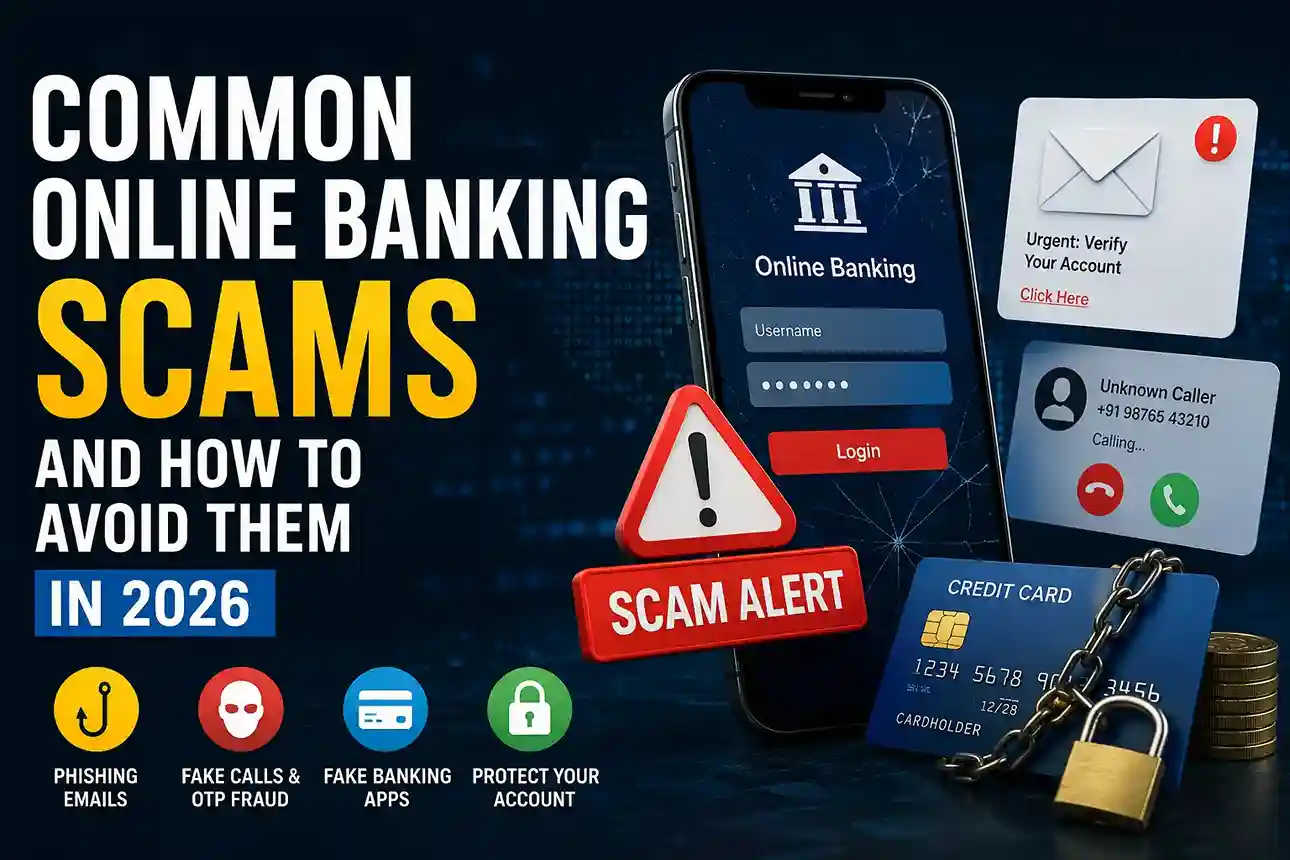
Online banking has made managing money faster, easier, and more convenient. You can transfer funds, pay bills, monitor spending, and even apply for loans from your phone. But that convenience has also created new opportunities for cybercriminals. Common online banking scams in 2026 are becoming more sophisticated, more personalized, and harder to recognize.
Many scams no longer look like obvious fraud. Instead, they imitate banks, payment apps, government agencies, or even trusted family members. People who already practice strong digital habits — like protecting passwords and recognizing phishing attempts — are often much harder targets for scammers. Resources such as How to Keep Your Personal Data Safe Online in 2026 can help build those habits.
Here’s how today’s banking scams work — and more importantly, how you can avoid becoming the next victim.
1. Phishing Banking Emails and Fake Login Pages
Phishing remains one of the most common online banking scams in 2026.
You receive an email claiming your bank account has been locked, suspicious activity was detected, or your KYC verification failed. The message looks professional. The logo appears real. There’s a “secure verification” button.
The link, however, leads to a fake website designed to steal your login credentials.
In real-world situations, scammers create domains that differ from the legitimate site by only one or two characters. A distracted user may not notice.
According to the FTC scam prevention guidance, urgency and fear are common manipulation tactics used by scammers.
How to Avoid It
- Never click banking links directly from emails or SMS messages.
- Type your bank’s URL manually into your browser.
- Verify the website address carefully.
- Enable multi-factor authentication.
If you’re unsure whether a website is genuine, learning to check if a website is safe before entering personal details can reduce your risk significantly.
You should also understand how attackers disguise fake messages. Our guide on How to Spot Phishing Emails and Scam Links in 2026 explains common warning signs.
2. OTP and Verification Code Scams
One-time passwords (OTPs) were designed to improve account security. Ironically, scammers now exploit users into handing them over willingly.
Here’s a common scenario:
A caller claims to be from your bank’s fraud department. They say someone is attempting an unauthorized transaction. To “secure” your account, they ask you to confirm an OTP.
The moment you share the code, the attacker completes a real transaction or login attempt.
Banks repeatedly warn customers: legitimate employees do not ask for OTPs, PINs, or passwords.
Common Mistakes People Make
- Sharing codes during stressful calls
- Trusting caller ID names
- Assuming urgency means legitimacy
- Believing the scammer because they know basic personal information
For example, a fraudster may already know your name, mobile number, or partial card details from previous data leaks.
If scam calls are becoming more common in your area, Protect Your Phone From Scam Calls, Fake OTPs & Online Fraud (2026) offers practical prevention strategies.
3. Banking App Impersonation Scams
In 2026, fake banking apps continue to trick users.
Cybercriminals create apps that mimic real banking platforms or customer service tools. Some are distributed through unofficial app stores, social media advertisements, or messaging apps.
Once installed, these apps may:
- Record passwords
- Capture screen activity
- Steal banking credentials
- Access SMS verification codes
The U.S. Cybersecurity and Infrastructure Security Agency (CISA) advises consumers to download software only from trusted sources and keep devices updated.
Best Practices
- Download banking apps only from official app stores.
- Verify the developer name carefully.
- Read recent reviews — but stay cautious of fake ratings.
- Keep operating systems updated.
In real-world situations, many victims are not “careless.” They simply trust an ad, forwarded link, or convincing customer support message.
4. Social Engineering and “Bank Employee” Fraud
One of the fastest-growing threats isn’t technical hacking — it’s psychological manipulation.
Scammers study how people react under pressure.
A fraudster might pose as:
- Bank fraud support
- RBI/regulatory staff
- Card verification department
- Payment platform security team
They create panic.
“Your account will be suspended.”
“Your card has been compromised.”
“Immediate verification required.”
These scams succeed because emotional pressure overrides critical thinking.
If you’ve ever wondered why intelligent people still get trapped, Why Smart People Still Fall for Online Scams explains the psychology behind these attacks.
The FBI’s consumer security advice also highlights social engineering as a major threat area (FBI Cyber Safety).
How to Protect Yourself
Instead of responding immediately:
- End the conversation.
- Call your bank using the official number from its website or banking app.
- Verify independently.
- Never act under pressure.
That simple pause can prevent serious financial loss.
5. Public Wi-Fi Banking Risks
Checking your balance at a coffee shop may seem harmless.
But public networks can expose users to interception attacks, malicious hotspots, or compromised browsing sessions.
In 2026, cybercriminals increasingly create fake Wi-Fi networks with names resembling legitimate businesses.
For example:
- “Airport_Free_WiFi”
- “Cafe Guest Network”
- “Hotel Secure Internet”
Connecting without caution can expose sensitive activity.
Safer Banking Habits
- Avoid banking on public Wi-Fi.
- Use mobile data for financial activity.
- Use a trusted VPN if necessary.
- Log out completely after transactions.
If you regularly work or travel using public connections, How to Stay Safe on Public Wi-Fi in 2026 provides additional safeguards.
6. Password Reuse and Account Takeover Attacks
Many online banking compromises happen without malware.
Instead, attackers exploit weak password habits.
If you reuse the same password across multiple websites, a breach from an unrelated platform can expose your banking login.
This is called credential stuffing.
Scammers automate stolen username-password combinations across banking services.
Better Security Habits for 2026
- Use unique passwords for every account.
- Enable two-factor authentication.
- Store credentials in a reputable password manager.
- Monitor unusual account activity.
Google’s security guidance strongly recommends using stronger authentication methods and unique credentials (Google Safety Center).
Need help improving account security? Learn How to Use a Password Manager in 2026 and How to Set Up Two-Factor Authentication in 2026.
Common Warning Signs of Online Banking Scams
Regardless of the method, most scams share similar patterns.
Watch for these red flags:
- Pressure to act immediately
- Requests for OTPs, PINs, passwords, or card details
- Unusual payment instructions
- Suspicious links or shortened URLs
- Messages threatening account suspension
- Unexpected attachments or downloads
- Requests to install remote access apps
If something feels rushed, secretive, or unusually urgent, slow down.
Scammers depend on fast reactions.
What To Do If You Think You’ve Been Scammed
If you suspect unauthorized banking activity:
Act Quickly
- Contact your bank immediately.
- Freeze or block affected cards/accounts.
- Change passwords.
- Remove suspicious apps.
- Scan devices for malware.
- Review recent transactions carefully.
If email access may be compromised, securing your email becomes critical because password resets often flow through it. Protect Your Email Account From Hackers in 2026 explains practical recovery and prevention steps.
The faster you respond, the better your chances of limiting damage.
Frequently Asked Questions
What is the most common online banking scam in 2026?
Phishing scams, OTP fraud, fake customer support calls, and credential theft remain among the most common online banking scams in 2026.
Can banks ask for OTPs or passwords?
No. Legitimate banks generally do not ask customers to reveal OTPs, passwords, PINs, or full card credentials.
Is online banking safe in 2026?
Online banking can be very safe when users follow security best practices such as strong passwords, two-factor authentication, official apps, and cautious link handling.
How can I protect my bank account online?
Use unique passwords, enable two-factor authentication, avoid suspicious links, monitor transactions, and verify communications directly through official channels.
Final Thoughts: Staying Ahead of Online Banking Scams in 2026
Common online banking scams in 2026 are evolving quickly, but most attacks still rely on predictable human vulnerabilities: urgency, trust, distraction, and convenience.
You don’t need advanced cybersecurity knowledge to protect yourself.
Simple habits make a measurable difference:
- Verify before clicking
- Never share OTPs
- Use strong authentication
- Avoid public Wi-Fi for banking
- Question unexpected requests
In real-world situations, scam prevention is less about technical expertise and more about slowing down, verifying information independently, and maintaining healthy digital skepticism.
A few extra seconds of caution today can save months of financial stress tomorrow.

Shiva S writes about AI, cybersecurity, online safety, Google Discover, and digital trends. His focus is creating practical, easy-to-understand guides that help readers stay informed and safer online.