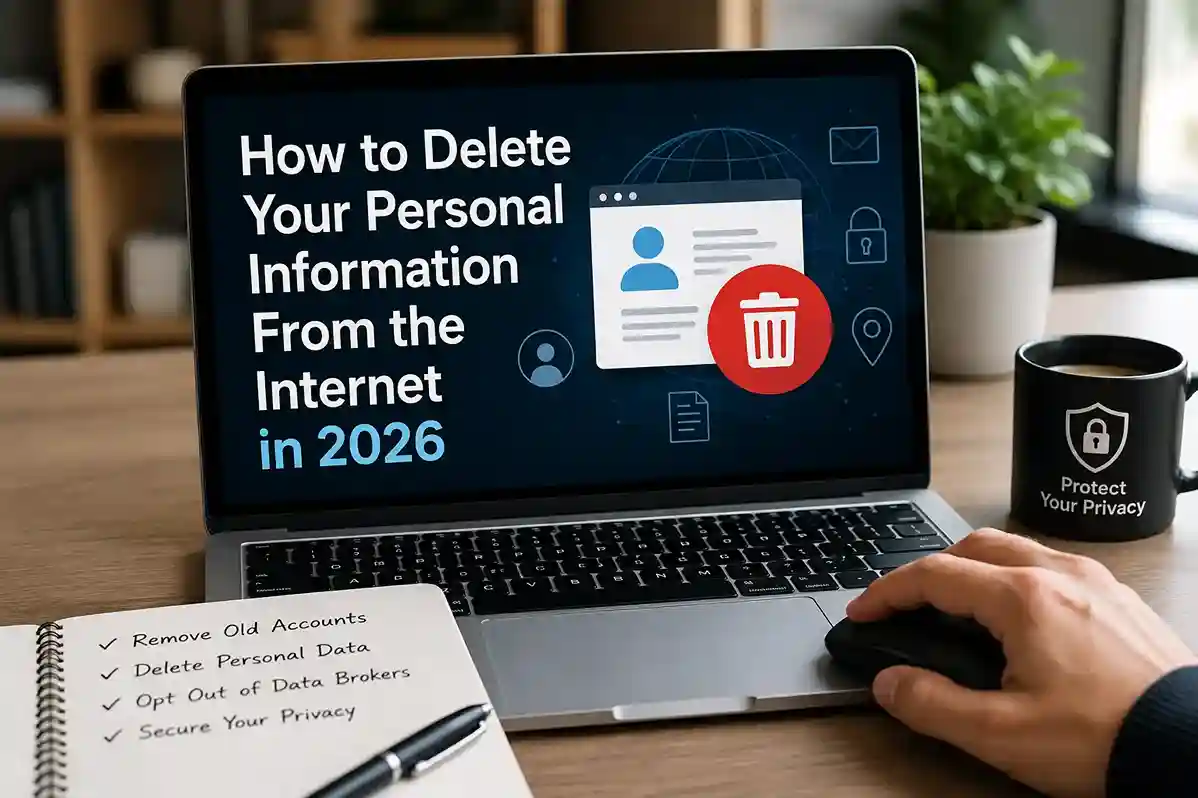
Deleting your digital footprint completely is harder than many people expect. By 2026, personal information can exist across social media platforms, old accounts, shopping websites, public databases, people-search websites, mobile apps, marketing lists, and data broker networks.
The good news? You usually do not need to remove everything to improve your privacy. In many real-world situations, reducing exposure by 60–80% can significantly lower spam, targeted scams, identity theft risks, and unwanted tracking.
If you want to delete your personal information from the internet in 2026, this guide explains practical steps that ordinary users can actually follow.
People already practicing stronger habits through How to Keep Your Personal Data Safe Online in 2026 often find this process easier because they have fewer exposed accounts and weaker data trails to clean up.
Why your personal information is online in the first place
Many users assume hackers are the main reason their information appears online.
Usually, the explanation is much less dramatic.
Your data may come from:
- Social media profiles
- Shopping websites
- Loyalty programs
- Mobile apps
- Old forum accounts
- Public records
- Marketing databases
- Data brokers
- Previous data breaches
For example, signing up for a coupon app three years ago might have shared your email address, city, purchase habits, and device information with third-party advertisers.
Over time, dozens of small actions create a surprisingly detailed digital profile.
According to the FTC privacy guidance, companies may collect, share, and store consumer information in ways users do not fully realize.
Understanding where your data lives is the first step toward removing it.
Step 1: Search yourself online first
Before deleting anything, find out what already exists.
Search:
- Your full name
- Email address
- Phone number
- Username variations
- Old screen names
- Business names
- Image searches of your profile photos
Try multiple search engines.
You may discover forgotten accounts, cached content, public directories, or old social media profiles you no longer use.
In real-world situations, people are often surprised by how much outdated information remains searchable.
Do not forget browser image search results and archived content.
This step creates your removal checklist.
Step 2: Delete unused accounts you no longer need
Unused accounts are one of the biggest privacy weaknesses.
Old shopping accounts, gaming profiles, forums, job portals, and inactive apps often continue storing data long after users stop logging in.
Start by identifying:
- Old e-commerce accounts
- Delivery apps
- Dating profiles
- Community forums
- Newsletter accounts
- Cloud storage trials
- Old productivity tools
Delete what you no longer use.
Some services allow direct account deletion inside privacy settings. Others require submitting a request.
If login access is difficult because you forgot passwords, strengthening account recovery habits becomes important. Resources like How to Use a Password Manager in 2026 can make future account management much easier.
A common mistake is simply uninstalling an app while leaving the account active.
Deleting the app does not automatically delete your stored data.
Step 3: Reduce your social media footprint
Social media profiles reveal more information than many users realize.
Birthdays, employers, schools, family connections, locations, travel photos, hobbies, and routines can all contribute to privacy exposure.
You do not necessarily need to abandon social media completely.
Instead:
- Remove unnecessary public posts
- Hide contact details
- Review audience settings
- Remove old location check-ins
- Disable searchable profile options
- Review tagged photos
For example, public travel posts may unintentionally expose your location patterns.
Users already working on stronger privacy behavior through How to Strengthen Your Digital Privacy Habits in 2026 often discover that social media cleanup produces immediate improvements.
The FBI also warns that scammers frequently use publicly available personal details to personalize fraud attempts (FBI scam safety resources).
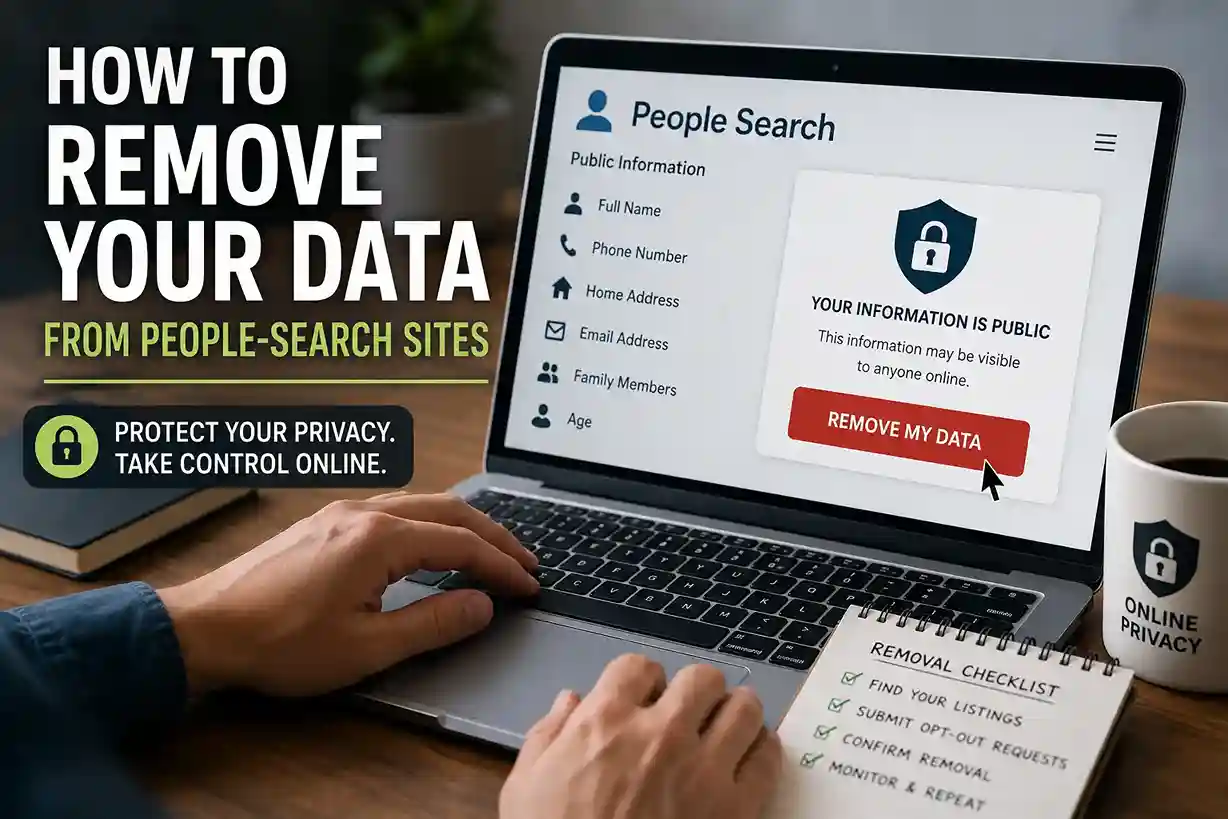
Step 4: Remove your information from people-search websites
One of the most overlooked privacy issues in 2026 is data broker and people-search websites.
These platforms may list:
- Full names
- Addresses
- Phone numbers
- Family members
- Age ranges
- Employment details
- Property information
Many users never intentionally submitted this data.
People-search websites often collect information from public records, commercial databases, and aggregated sources.
The removal process varies.
Some sites provide opt-out forms.
Others require identity verification requests.
In real-world situations, this step takes patience because multiple platforms may store similar information.
Keep a simple spreadsheet to track:
- Website name
- Removal date
- Confirmation status
- Follow-up deadlines
This makes long-term maintenance easier.
Step 5: Remove old photos and publicly shared content
Old content can continue appearing years after you forget about it.
Review:
- Social uploads
- Public comments
- Forum posts
- Blogs
- Shared drives
- Old profile pictures
- Cached mentions
If content was posted on your own account, removal is usually straightforward.
If somebody else uploaded the content, you may need to request removal directly.
Google also provides processes for requesting removal of certain sensitive personal information from search results under specific circumstances through its Google Search removal tools.
This does not guarantee total deletion from the internet, but it can reduce discoverability.
Step 6: Protect your email address and phone number
Your email address and phone number act like digital identity anchors.
Once exposed broadly, they can attract:
- Spam campaigns
- Scam calls
- Phishing attacks
- Credential stuffing attempts
If your inbox already receives suspicious activity, strengthening email security becomes a priority.
Protect Your Email Account From Hackers in 2026 explains practical defenses against unauthorized access and account misuse.
You should also:
- Remove phone numbers from public profiles
- Limit newsletter signups
- Use privacy-focused aliases when appropriate
- Review account recovery settings
Users often underestimate how frequently exposed email addresses circulate through marketing and breach ecosystems.
Step 7: Check whether your accounts were exposed in data breaches
You cannot delete information effectively if you do not know where exposure happened.
Data breaches continue affecting retailers, apps, productivity tools, entertainment services, and online platforms.
If your credentials appear in breached databases:
- Change passwords immediately
- Enable stronger authentication
- Review connected accounts
- Watch for phishing attempts
CISA’s Secure Our World guidance recommends strong passwords, software updates, and multi-factor authentication as practical defenses against account compromise.
This is also why How to Set Up Two-Factor Authentication in 2026 remains such an important supporting habit.
Deleting exposed accounts is useful. Securing remaining accounts is equally important.
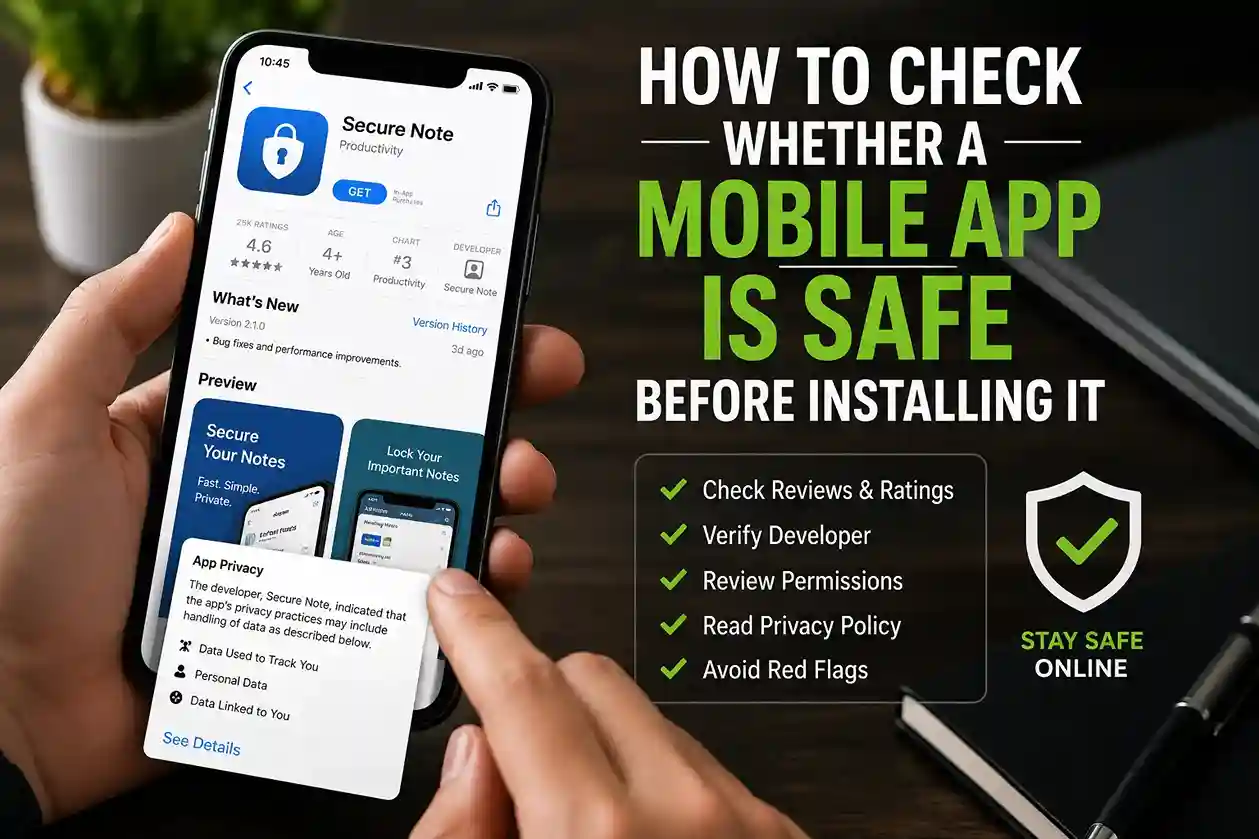
Step 8: Review app permissions and connected services
Many apps continue collecting information quietly in the background.
Check permissions for:
- Location tracking
- Contacts access
- Camera access
- Microphone access
- Files and media
- Calendar integration
Delete apps you no longer use.
Restrict permissions you do not need.
A flashlight app probably does not require contact access.
A note-taking app may not need constant location tracking.
In real-world situations, privacy improvements often come from removing unnecessary permissions rather than chasing perfect anonymity.
If you frequently use mobile devices, How to Stay Safe on Public Wi-Fi in 2026 complements this cleanup process by reducing additional exposure during browsing sessions.
Common mistakes people make when deleting personal information
Many privacy cleanups fail because users expect instant results.
Here are common mistakes:
Assuming one deletion solves everything
Removing one profile rarely removes mirrored data elsewhere.
Ignoring old accounts
Forgotten services often hold surprising amounts of personal information.
Using the same weak passwords afterward
Deleting data without improving security habits creates recurring risk.
Oversharing immediately after cleanup
Some users spend hours cleaning privacy settings — then continue posting excessive personal information publicly.
Privacy protection works best when cleanup and prevention happen together.
Best practices to keep your information off the internet
Deleting data is only half the process.
Long-term privacy requires healthier habits.
Practical best practices include:
- Use unique passwords
- Enable two-factor authentication
- Review privacy settings quarterly
- Avoid unnecessary app permissions
- Limit public personal details
- Verify website trustworthiness before sharing information
If you regularly enter details into unfamiliar websites, How to Check If a Website Is Safe Before Entering Personal Details can help reduce accidental data exposure.
Google’s Safety Center also offers practical guidance around account security, browsing protection, and privacy controls.
You do not need perfect privacy to make meaningful progress.
Consistent habits matter more.
FAQ: Deleting Personal Information From the Internet
Can you completely delete your personal information from the internet?
Complete deletion is difficult because information may exist across archives, public records, cached pages, and third-party databases. However, users can often remove a substantial amount of exposed data.
How long does internet privacy cleanup take?
Simple cleanup projects may take several hours. Broader removal across old accounts, data brokers, and search results can take weeks or months.
What information should I remove first?
Start with:
- Phone numbers
- Email addresses
- Home addresses
- Public profile details
- Old accounts
- Excessive social media information
Is deleting social media enough?
Usually not.
Data may still exist across apps, old websites, marketing databases, breach records, and public sources.
Conclusion: How to Delete Your Personal Information From the Internet in 2026
Learning how to delete your personal information from the internet in 2026 is less about achieving perfect invisibility and more about reducing unnecessary exposure.
Search yourself. Remove unused accounts. Clean up social profiles. Opt out of data broker listings. Strengthen passwords, authentication, and privacy settings.
In real-world situations, the people who improve their privacy most successfully are not necessarily experts.
They are simply users who build repeatable habits, review exposure regularly, and become more intentional about where their information goes online.
A cleaner digital footprint can mean fewer scams, less tracking, reduced spam, and better control over your personal information in the years ahead.

Shiva S writes about AI, cybersecurity, online safety, Google Discover, and digital trends. His focus is creating practical, easy-to-understand guides that help readers stay informed and safer online.