
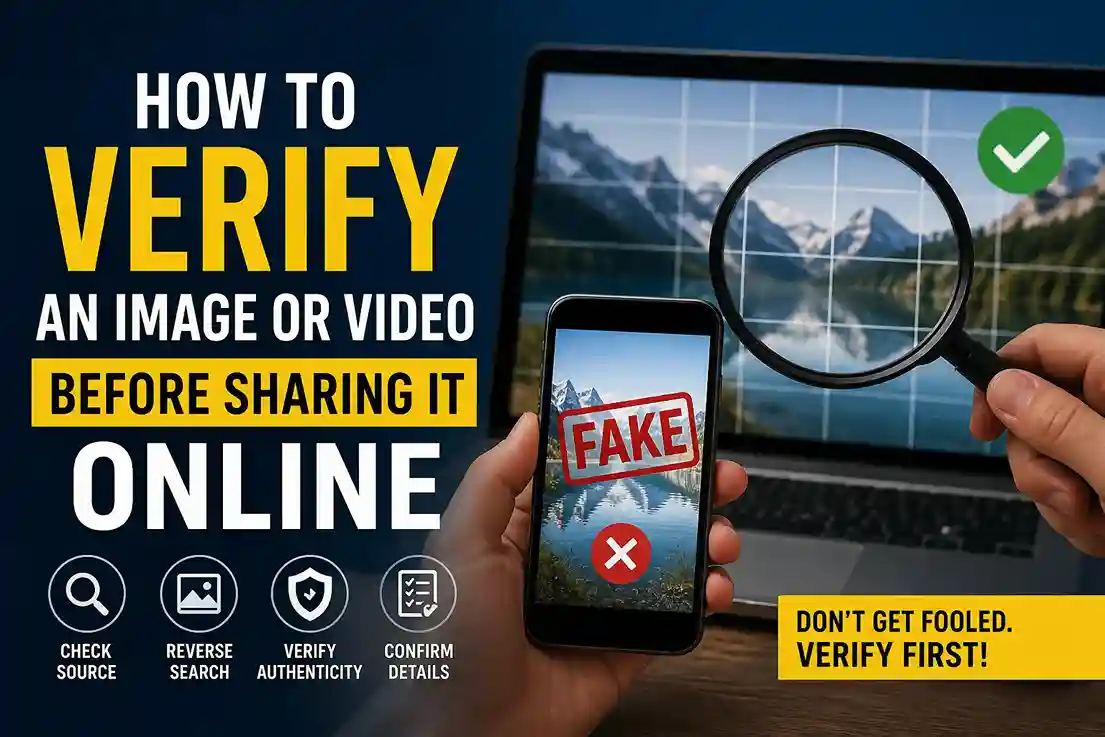
How to verify an image or video before sharing it online is one of the most important digital habits in 2026. Visual content spreads fast, and many images or clips now look convincing even when they are edited, out of context, or completely synthetic. The safest approach is to slow down, check the source, and confirm the context before you share anything publicly.
That approach also matches Google’s current content guidance. Google says AdSense pages should contain unique content that is relevant to visitors and provides a great user experience, and Google Search guidance encourages people-first, helpful, reliable content rather than pages created mainly to manipulate rankings.
For publishers, that means verification is not just a nice extra. It is part of credibility. A site that follows a clear process like how we verify news before publishing gives readers a better standard to follow, and readers who learn how to spot fake news before you share it are less likely to spread misleading visuals by accident.
Why verification matters before you share anything
A single image can be reused with the wrong caption. A real video can be clipped so it tells a false story. A synthetic visual can be made to look like breaking news. In each case, the damage comes from sharing too quickly.
This matters for websites too. Google’s Search guidance says to use words that people would use to look for your content, place them in prominent locations, and make your links crawlable so Google can discover your pages. That means a practical, useful article about visual verification is a strong fit for a content site that wants to serve readers first.
If your site publishes image-heavy content, the visual side matters just as much as the text side. That is why featured images for Google Discover 2026 is also relevant here: high-performing visuals still need to feel trustworthy, clear, and contextually accurate.
The fastest way to verify an image or video before sharing it online
A quick verification workflow is simple:
- Check the source.
- Look for obvious signs of editing or AI generation.
- Search for the original upload.
- Compare the content with other trusted reports.
- Judge the context before sharing.
That is the same mindset used in editorial workflows like how we verify news before publishing. The goal is not to become a forensic analyst every time. The goal is to stop guessing.
Step 1: Check where the image or video came from
The source is the first clue. A post from a known publisher, official account, or original creator is much stronger than a repost from a random profile.
Ask:
- Who posted it first?
- Is the account credible?
- Does the upload time match the claim?
- Is there any sign that the visual has been reposted many times?
If the source is weak, do not share yet. That caution is especially important when the visual is tied to a breaking story, because fake visuals often spread alongside sensational captions. That is exactly why how to spot fake news before you share it is such a useful companion article.
Step 2: Look closely for visual mistakes
Even strong AI-generated images still leave clues. Zoom in and check for:
- distorted or extra fingers
- unreadable text or warped logos
- shadows that do not match the light source
- reflections that feel wrong
- repeated objects in the background
- edges that look melted, noisy, or too smooth
In real use, these clues are often subtle. A photo can look fine at first scroll, but a closer look shows that a sign has nonsense text or a face repeats in the crowd. The same applies to thumbnails and feature visuals. If a visual is meant to support discovery traffic, the image has to be coherent as well as attractive, which is why featured images for Google Discover 2026 is a helpful reference point.
Step 3: Watch how the video behaves
Video is trickier than a still image because motion reveals problems that one frame cannot.
Look for:
- lip-sync drift
- facial features changing from frame to frame
- hands or objects morphing
- strange lighting shifts
- body movement that feels stiff or overly smooth
- background details changing without reason
A clip may look believable for the first few seconds and then fail once the speaker turns their head or the camera moves. If the video claims to show a major event, cross-check it against reliable coverage and the same verification habits used in how we verify news before publishing.
OpenAI says Sora videos can include visible and invisible provenance signals and C2PA metadata, while Google says SynthID can help detect AI-generated or AI-edited content in images, video, and audio. Those signals are helpful when available, but they do not replace source checking or context review.
Step 4: Search for the original version
Reverse search is one of the most practical tools for everyday users. It can reveal whether the image is old, recycled, or altered.
Try to find:
- the earliest public upload
- the original creator or outlet
- matching coverage from trusted sources
- whether the image has appeared in another event or year
This matters because many misleading posts are not completely fake. Some are real images used in the wrong context. That still makes them misleading, and it is why a careful reader should always keep how to spot fake news before you share it in mind.
Step 5: Check metadata and provenance signals
Modern verification is not only about what you can see. It is also about what the file carries behind the scenes.
Official provenance systems such as Content Credentials and C2PA are designed to preserve information about how media was created or edited, and Google’s SynthID is another authenticity signal used with AI-generated or AI-edited content.
That said, metadata can be lost when a file is compressed, screenshot, or re-uploaded to another platform. So the absence of metadata is not proof that something is fake. It simply means you should keep checking.
Step 6: Verify the context, not just the pixels
This is where many people make mistakes. A believable image can still be false if the caption is wrong. A real video can still be misleading if it is used out of context.
Ask:
- Does this match the event being claimed?
- Are trusted sources reporting the same thing?
- Does the timeline make sense?
- Is the post designed to trigger fear, outrage, or urgency?
A post that is emotionally charged deserves extra caution. The fastest way to avoid mistakes is to compare the content against a trustworthy source trail, then decide whether sharing it helps or harms the conversation.
Real-world examples readers will recognize
Example 1: Viral political image
A photo circulates widely with a dramatic caption, but no trusted outlet confirms the scene. A reverse search reveals it came from a different place and date. The image may be real, but the claim is not.
Example 2: Celebrity video clip
A short video of a public figure looks authentic at first, but the mouth movement is slightly off and the lighting changes across frames. That is enough reason to stop and verify before sharing.
Example 3: Product image on social media
A polished product photo has beautiful lighting, but the label is warped and the background reflections do not match. That may be AI-generated, heavily edited, or simply manipulated.
Example 4: Legitimate image with missing metadata
A real photo gets reposted many times. The metadata disappears, but the original article still confirms the context. That is a good reminder that missing data is not the same as fake content.
Best practices for website owners and editors
If you publish visual content, make verification part of your routine:
- save the original file when possible
- record the source
- check provenance before publishing
- compare suspicious visuals with trusted reports
- add a disclaimer if you cannot confirm authenticity
That workflow supports the kind of useful, original, people-first content Google recommends. Google says creators should focus on helpful, reliable content for people, and its AdSense guidance says pages should be unique, relevant, and offer a great user experience.
If you also want to build visibility beyond the article itself, tracking results matters. A practical next step for your site is to review track Google Discover traffic search console 2026 so you can see how visual content performs once published. You can pair that with featured images for Google Discover 2026 to improve both presentation and discoverability.
Frequently asked questions
How do I verify an image before sharing it online?
Check the source, inspect the image for inconsistencies, search for the original upload, and confirm the context with trusted reporting. Provenance tools help when available.
How do I verify a video before sharing it online?
Look for motion issues, lip-sync errors, and unstable frames. Then confirm the source and compare the clip with reliable coverage.
Is missing metadata proof that an image is fake?
No. Metadata can disappear during compression, reposting, or screenshotting. It is a clue, not proof.
Are AI watermarks reliable?
They are useful when present, but they are not universal across every platform. Treat them as one layer of verification, not the final answer.
What is the safest way to handle a suspicious visual?
Do not share it until you can verify the source, context, and authenticity. When in doubt, wait.
Conclusion
How to verify an image or video before sharing it online is really about slowing down long enough to check the facts behind the visual. Source, context, provenance, and consistency all matter. When those pieces line up, the content is more trustworthy. When they do not, it is better to hold back than to amplify something misleading.

Shiva S writes about AI, cybersecurity, online safety, Google Discover, and digital trends. His focus is creating practical, easy-to-understand guides that help readers stay informed and safer online.