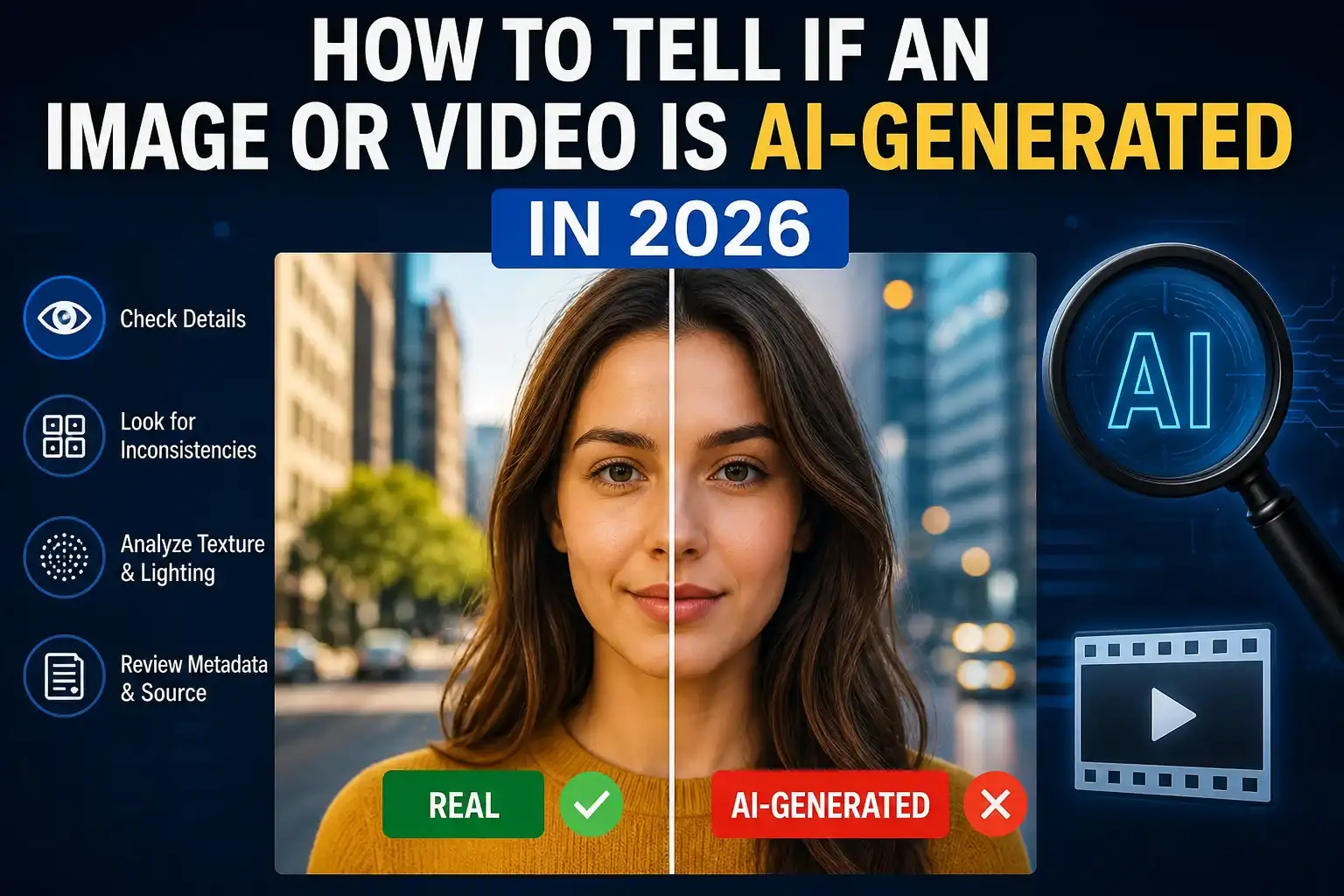
How to tell if an image or video is AI-generated in 2026 is no longer a niche skill—it’s a necessity. AI-generated media has reached a level where even experienced users struggle to distinguish between real and synthetic content.
From viral social media posts to breaking news clips, AI-generated visuals are everywhere. Some are harmless creative outputs, while others are designed to mislead. That’s why understanding verification techniques is critical.
If you want to build a strong verification mindset, it helps to follow structured workflows like how we verify news before publishing, where source validation and context checking are prioritized.
At the same time, readers must also learn how to spot fake news before you share it, because AI-generated media often spreads through misleading narratives rather than obvious visual flaws.
How to Tell If an Image or Video Is AI-Generated in 2026: The Core Method
The most effective way to answer how to tell if an image or video is AI-generated in 2026 is by using a layered approach:
- Check provenance (origin and history)
- Analyze visual consistency
- Verify the source
- Compare context
Modern detection is no longer just about spotting errors—it’s about understanding where the content came from and how it evolved.
Technologies like C2PA Content Credentials and Google SynthID help identify AI-generated or edited media by embedding metadata and watermark signals.
Step 1: Check Provenance and Source First
Before analyzing pixels, always check the origin of the file.
Ask:
- Who uploaded it?
- Is it from a trusted publisher?
- Does it have metadata or verification tags?
This approach aligns with editorial verification processes like how we verify news before publishing, where the source matters more than appearance.
For example:
- A viral image from an unknown account → suspicious
- Same image from a verified news outlet → more credible
Even then, verification is still required.
Step 2: Look for Visual Inconsistencies
Even in 2026, AI-generated visuals often fail in subtle ways.
Common Signs in AI Images:
- Distorted fingers or extra limbs
- Unreadable or warped text
- Strange reflections or shadows
- Repeating background patterns
- Overly smooth or “plastic” textures
A good habit is to zoom into small details. AI usually gets the big picture right but struggles with fine details.
This is similar to techniques discussed in featured images for Google Discover 2026, where high-quality visuals must maintain consistency across all elements.
Step 3: Analyze Video Behavior (Motion Matters)
Detecting AI-generated video requires a different approach.
Watch for:
- Lip-sync mismatch
- Face distortion between frames
- Sudden lighting changes
- Objects morphing or disappearing
- Unnatural body movement
For example, a deepfake video may look realistic at first but shows inconsistencies when the person turns their head or speaks.
If the video claims to show a real event, cross-check it using verification logic similar to how to spot fake news before you share it.
Step 4: Use Reverse Search and Source Tracking
If something feels off, trace it back.
Use tools like:
- Google Lens
- Reverse image search
This helps you:
- Find original upload
- Detect reused or miscaptioned images
- Identify manipulated context
A common trick in misinformation is using real images from old events and presenting them as new.
That’s why tracing origin is critical—something emphasized in how we verify news before publishing.
Step 5: Understand AI Watermarks and Metadata
Modern AI tools embed hidden signals into generated content.
Examples:
- SynthID watermark (Google)
- C2PA metadata (industry standard)
These signals help detect whether content was generated or edited using AI tools.
However:
- They can be removed during compression or screenshots
- Not all platforms preserve metadata
So, watermark detection should be one layer—not the final decision.
For deeper technical understanding, refer to:
Step 6: Evaluate Context, Not Just Visuals
This is where most people fail.
A perfectly realistic image can still be fake if:
- It’s used in the wrong context
- It’s paired with misleading captions
- It’s shared from unreliable sources
Ask:
- Does this match real-world events?
- Are trusted sources reporting it?
- Is it designed to trigger emotion (fear, anger)?
This is why content verification overlaps with how to spot fake news before you share it.
Real-World Examples
Example 1: Viral Political Image
An image shows a politician in a controversial situation. It looks real, but no major news outlet reports it → likely AI-generated or manipulated.
Example 2: Product Advertisement
A perfect product image with unrealistic lighting and inconsistent branding → AI-generated marketing visual.
Example 3: Breaking News Video
A video goes viral showing an event, but:
- lip-sync is slightly off
- background shifts
→ requires verification before trusting.
Best Practices for Website Owners
If you run a content site, follow this workflow:
- Always verify image/video sources
- Store original files
- Cross-check before publishing
- Use disclaimers when unsure
- Follow structured editorial processes
This aligns directly with how we verify news before publishing.
FAQ – User Intent Based
How to tell if an image is AI-generated in 2026?
Check provenance, inspect details, verify source, and use reverse search. No single method is enough.
How to detect AI-generated videos?
Look for motion inconsistencies, lip-sync errors, and unnatural physics. Also check metadata if available.
Are AI-generated images always fake?
No. Many are used ethically for design, marketing, and creativity. The issue is when they are misleading.
Can AI images be completely undetectable?
Some are extremely realistic, but combining multiple verification methods usually reveals clues.
What is the most reliable detection method?
A combination of:
- provenance checks
- visual inspection
- source verification
- context analysis
Conclusion
How to tell if an image or video is AI-generated in 2026 is not about spotting one obvious flaw—it’s about applying a structured verification process.
The key takeaway:
- Do not trust visuals blindly
- Always verify source and context
- Use multiple detection methods
As AI continues to evolve, your ability to question and verify content will become your strongest defense.

Shiva S writes about AI, cybersecurity, online safety, Google Discover, and digital trends. His focus is creating practical, easy-to-understand guides that help readers stay informed and safer online.