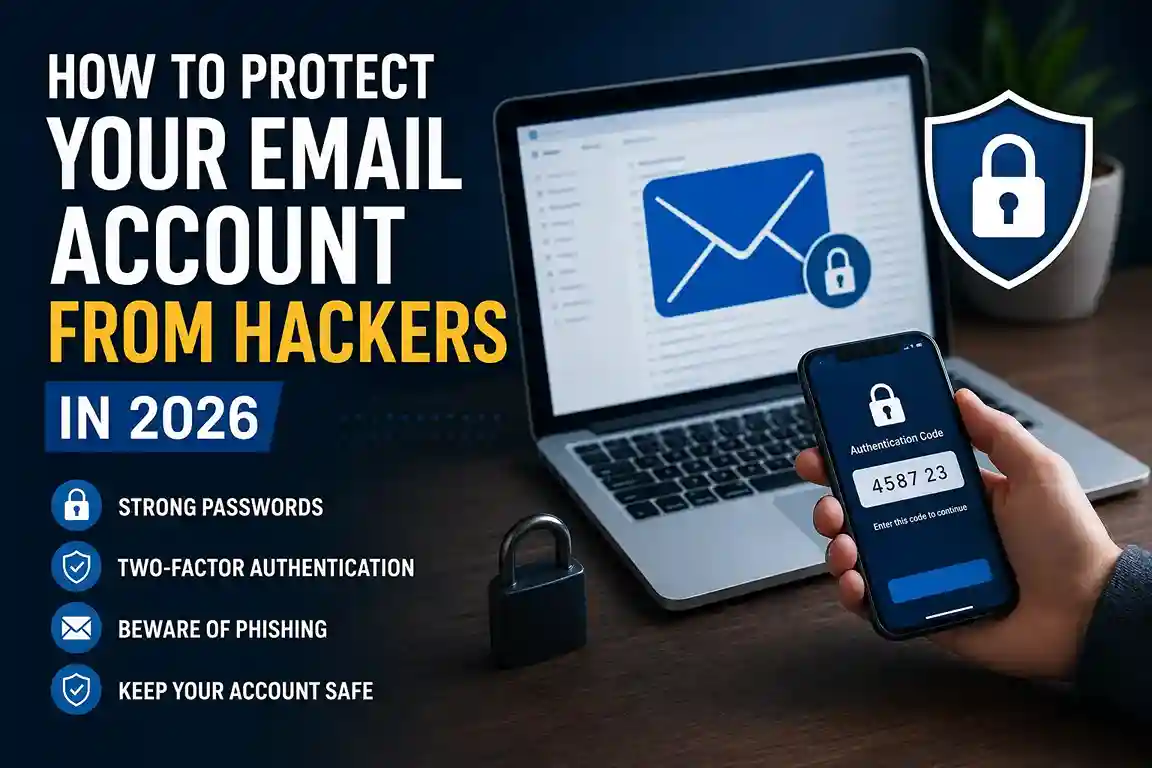
Email is still the account that opens the most doors, which is exactly why how to protect your email account from hackers in 2026 matters so much. A strong password helps, but it is only one layer. In practice, the safest setups combine a password manager, two-factor authentication, careful phishing checks, and clean recovery settings. The FTC recommends using a password manager and protecting it carefully, CISA says multifactor authentication adds a second verification step that makes unauthorized access harder, and Google says its password manager can suggest strong unique passwords, warn about compromised passwords, and store passwords and passkeys with encryption.
If your goal is to make email much harder to take over, start with the same habits that protect the rest of your digital life. A practical setup often begins with How to Use a Password Manager in 2026, then moves into How to Set Up Two-Factor Authentication in 2026, and then expands into broader account and device safety. For readers who already think about privacy more carefully, How to Keep Your Personal Data Safe Online in 2026 is a useful companion guide.
How to Protect Your Email Account From Hackers in 2026: Start With the Basics
The first rule is simple: do not rely on memory alone. Email passwords need to be long, unique, and stored somewhere safer than a notebook or a repeating pattern. Google’s password manager guidance says it can suggest strong unique passwords, save them in your account, and help you change compromised passwords; it also says passwords and passkeys are stored behind built-in encryption. That is the kind of system most people actually need, because the human brain is not good at managing dozens of unrelated logins.
A good email password should never be recycled from shopping, banking, or social media accounts. If one site leaks, reused credentials often get tried against email first because email is where password resets and recovery links usually land. That is why a tool like How to Use a Password Manager in 2026 matters so much in real life: it lets you create one strong password for the vault itself and unique passwords for everything else.
Two-factor authentication should come next. CISA says MFA is a layered approach that secures data and applications, while NIST’s MFA guidance explains that it is a security enhancement requiring more than just a username and password. In plain English, that means a stolen password should not be enough to get into your inbox.
For email, the best options are usually an authenticator app, a security key, or passkeys when the provider supports them. Google says passkeys are a simple and secure alternative to passwords and that they are more secure against phishing because they cannot be shared, copied, or accidentally given to someone else. That is especially useful if you have ever tapped the wrong link in a hurry and realized the login screen did not feel right.
Watch for phishing before it reaches your inbox
Most email takeovers do not begin with a dramatic “hack.” They begin with a message that looks ordinary enough to click. The FBI warns people not to click on anything in an unsolicited email or text, to check the email address and URL carefully, and to verify requests through a trusted source instead of the contact information in the message itself. The FTC and CISA also describe phishing as a way criminals try to steal information or push people toward harmful links and attachments.
That is why How to Spot Phishing Emails and Scam Links in 2026 fits naturally beside this topic. In real-world situations, email scams often sound urgent: a delivery notice, a payment warning, a security alert, or a fake request from a boss, bank, or service provider. A calm pause is often enough to break the attack.
A few warning signs deserve special attention:
- A sender address that looks almost right but not quite.
- A message that demands immediate action.
- A login page opened from a message instead of from the official site or app.
- Attachments you were not expecting.
- A request for a password, verification code, or recovery link.
If you are unsure, open the service directly through a bookmark or official app rather than through the message. That simple habit also connects well with How to Check If a Website Is Safe Before Entering Personal Details in 2026, because email scams and fake websites usually work together.
Treat your email account like the key to everything else
Email is often the recovery path for shopping accounts, cloud storage, banking alerts, and social platforms. That is why losing it can snowball fast. A criminal who controls your inbox can intercept reset links, impersonate you, and use your own trust network against you. In that sense, email is not just another account; it is the switchboard for the rest of your online life.
This is why your recovery settings matter so much. Make sure the recovery email address is one you control, the recovery phone number is current, and the backup codes are stored safely. If you have ever changed a number or switched devices and forgotten to update recovery details, you already know how quickly that becomes a problem. It is much easier to fix these settings now than after something goes wrong.
The same logic applies to broader privacy habits. Readers who have already worked through How to Keep Your Personal Data Safe Online in 2026 usually have a stronger instinct for what data should never be shared casually. That instinct matters when a fake support email asks for information that a real provider would not request by email.
Lock down the devices and networks you use to read email
Even a strong inbox can be weakened by a weak phone or laptop. If someone gets into your device, they may not need to “hack” the email account at all. They can wait for saved sessions, push notifications, or browser autofill to do the work for them. That is why device lock screens, software updates, and browser hygiene are part of email security too.
Public networks deserve attention as well. When you check email on coffee shop Wi-Fi or an airport network, you are depending on the security of that connection as much as the security of the account itself. A sensible habit is to avoid sensitive account changes on unfamiliar networks and to use How to Stay Safe on Public Wi-Fi in 2026 as a reminder that network choice can influence account risk.
A few practical habits go a long way:
- Keep your phone and laptop updated.
- Use a screen lock or biometric lock.
- Log out of shared devices after use.
- Remove old browser extensions you no longer trust.
- Review sessions or signed-in devices inside your email settings.
These steps are boring, which is exactly why they work. Most account takeovers succeed because small protections were skipped, not because the attacker had genius-level skill.
Use passkeys and trusted sign-in methods where possible
Passwords are still common, but passkeys are becoming a better option for many users. Google says passkeys are a secure alternative to passwords and are more resistant to phishing because they rely on device-based authentication rather than typed secrets. In practical terms, that means there is nothing for a fake login page to steal in the same way it can steal a password.
That does not mean passwords disappear overnight. It means the strongest accounts are moving toward a mix of passkeys, two-factor authentication, and recovery controls. If your email provider supports passkeys, turning them on is one of the most future-proof upgrades you can make in 2026.
For people who manage multiple accounts, this is also where How to Set Up Two-Factor Authentication in 2026 becomes even more valuable. A passkey on one account and strong 2FA on the rest creates layers instead of a single point of failure.
Common mistakes that still make email accounts easy to break into
A lot of people think they are “pretty secure” and still leave obvious gaps. The most common mistakes are simple, which is why they are so dangerous.
- Reusing the same password across different services.
- Leaving two-factor authentication turned off.
- Ignoring recovery settings after changing phones or numbers.
- Clicking sign-in links from unexpected emails.
- Using an old device that no longer gets updates.
- Saving work and personal email sessions on a shared computer.
Another mistake is treating every suspicious request as a normal account alert. If a message pushes urgency, fear, or embarrassment, it is worth slowing down. That is one reason How to Recognize Emotional Manipulation in Online Scams is such a useful companion piece. Scammers often win by getting you to react before you verify.
What to do if you think your email was compromised
Act quickly, but do it in the right order. First, change the password from a clean device if you still have access. Then sign out of other sessions, review recovery information, and turn on or re-check two-factor authentication. After that, look for filters, forwarding rules, or recovery settings that may have been changed without your knowledge.
If your provider offers a security checkup or sign-in activity page, use it. Google’s account tools and password manager pages are designed to help users spot compromised passwords and lock down sign-in settings. The key is to look beyond the inbox and inspect the account itself.
If you clicked a suspicious link, the safest response is not denial; it is containment. Change the account password, update other accounts that reused the same password, and watch for reset emails or login alerts from services tied to your inbox. If financial or identity information was involved, contact the relevant provider immediately.
Why a family-level approach helps
Email security is easier when everyone around you follows similar habits. Shared devices, family recovery emails, and reused phone numbers can create hidden weak spots. That is why How to Create a Family Online Safety Plan in 2026 is worth reading if more than one person uses the same phone, laptop, or home network.
This matters in real-world situations like travel, school, remote work, and shared family subscriptions. One careless click on one account can create work for everyone else. A family approach turns security from a personal chore into a normal household habit.
Frequently asked questions
What is the fastest way to secure an email account?
Turn on two-factor authentication, change the password to a unique one, review recovery settings, and sign out of other devices.
Is a password manager safe for email passwords?
Yes, when it is reputable and protected with a strong master password and two-factor authentication. The FTC recommends using a password manager carefully, and Google says its password manager stores passwords and passkeys with encryption.
Are passkeys better than passwords?
For many users, yes. Google says passkeys are more secure against phishing and cannot be copied or shared the way passwords can.
Should I use SMS codes for email protection?
SMS codes are better than nothing, but authenticator apps or security keys are usually stronger. CISA and NIST both treat multifactor authentication as a major security improvement beyond passwords alone.
What should I do if a message asks for my login code?
Do not share it. Real support teams should not need your verification code to help you.
Conclusion
Learning how to protect your email account from hackers in 2026 is really about stacking small, sensible habits until the account becomes hard to abuse. A password manager reduces reuse, two-factor authentication blocks stolen passwords, passkeys make phishing harder, and careful link-checking keeps bad messages from becoming account takeovers. The FTC, CISA, FBI, Google, and NIST all point in the same direction: add layers, verify requests, and treat email like the valuable account it is.
Once those basics are in place, the rest becomes much easier to maintain. A safer inbox usually starts with one change, then another, then another. That is how email security becomes a habit instead of a worry.

Shiva S writes about AI, cybersecurity, online safety, Google Discover, and digital trends. His focus is creating practical, easy-to-understand guides that help readers stay informed and safer online.