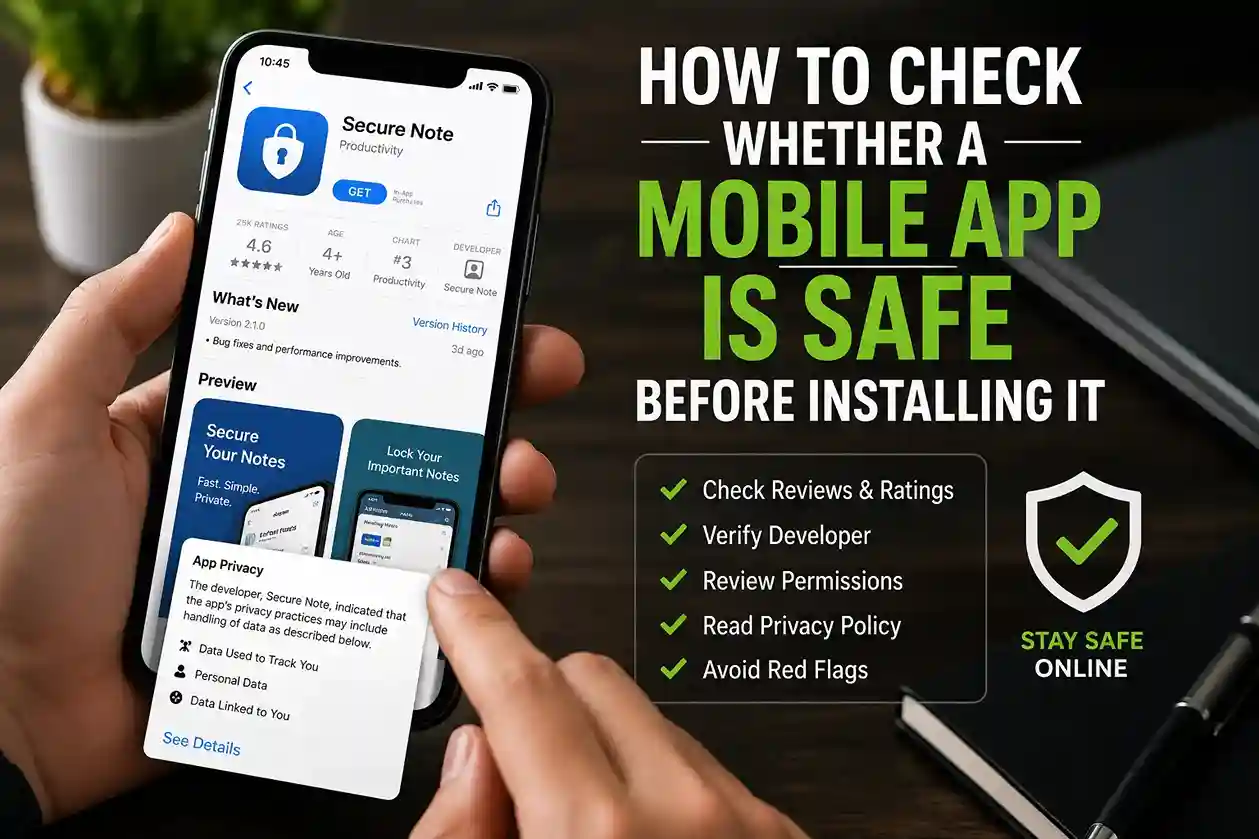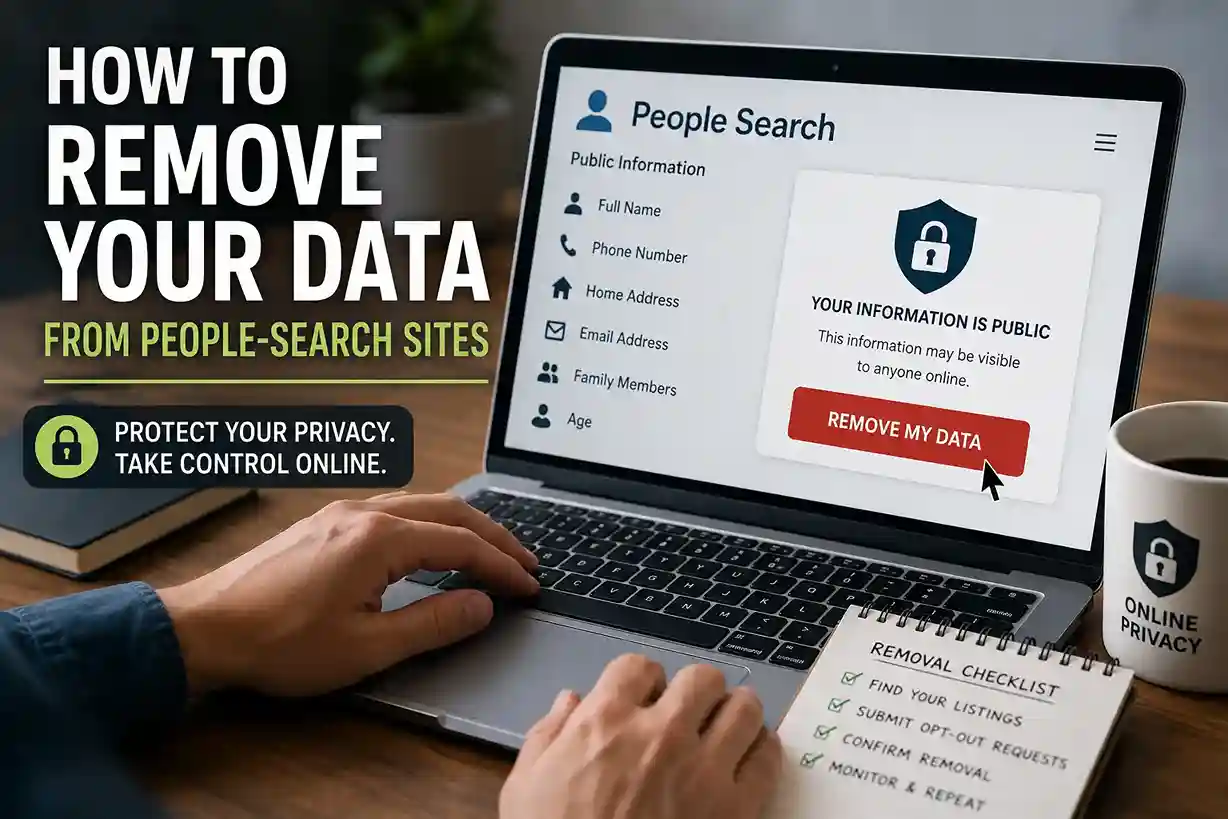
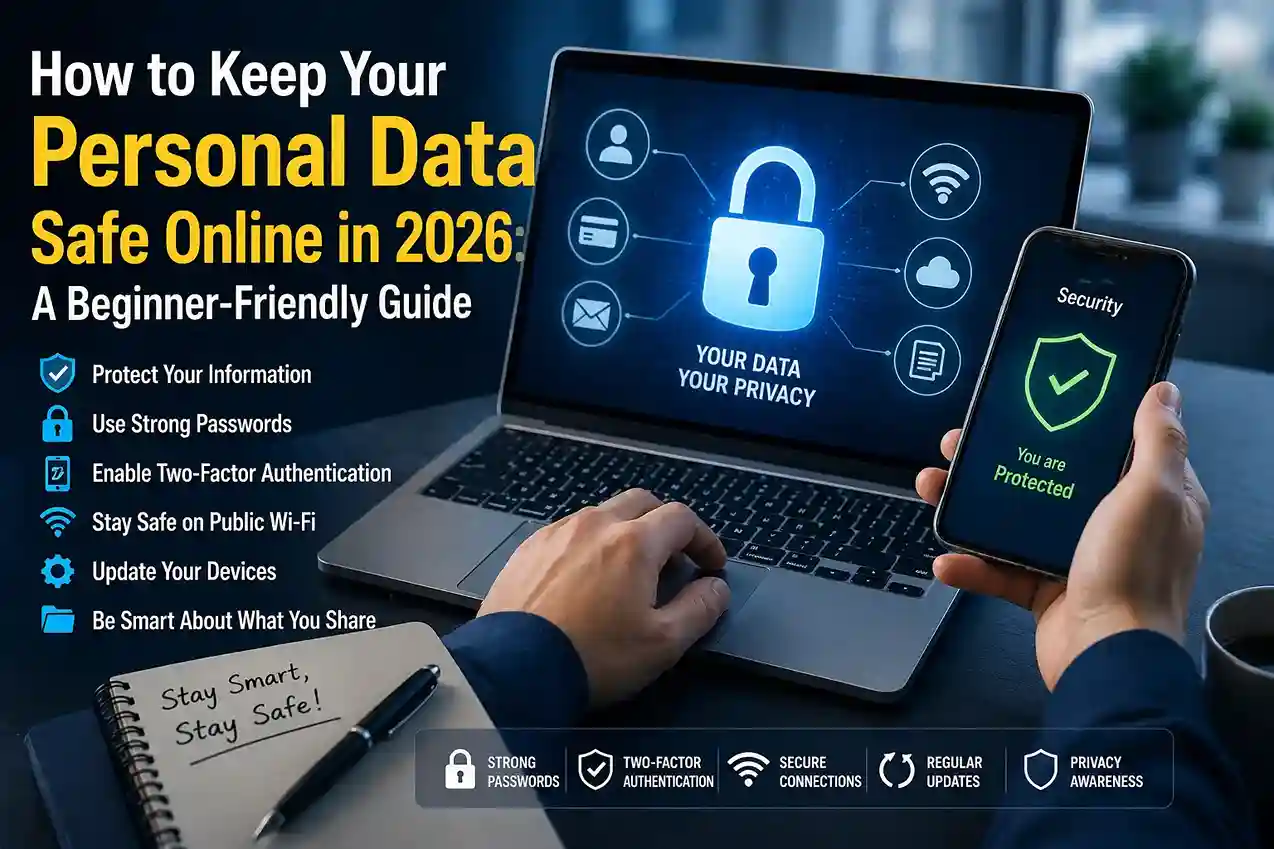
Keep your personal data safe online in 2026 is not only for tech experts. Every day, people share names, phone numbers, email addresses, payment details, and account logins across websites, apps, Wi-Fi networks, and social platforms. Once that information is out in the open, it can be copied, sold, or misused faster than most people expect.
The good news is that you do not need advanced skills to protect yourself. A beginner-friendly routine — using strong passwords, turning on two-factor authentication, checking website security, limiting what you share, and reviewing your account settings — can lower your risk a lot. Google recommends taking a regular Security Checkup, using unique passwords or passkeys, and enabling 2-Step Verification, while the FTC also stresses strong passwords and extra account protection. Google Security Checkup and FTC account security guidance.
Quick answer: Use strong and unique passwords, turn on two-factor authentication, check that websites use HTTPS, avoid oversharing personal details, keep devices updated, and review account access regularly.
Why personal data is so valuable
Your personal data is valuable because it helps others identify you, impersonate you, or access your accounts. A single leaked email address might lead to phishing. A reused password can open multiple services at once. A phone number can be used in scam calls, fake delivery alerts, or social engineering messages. The FTC’s identity-theft and online-security resources explain that personal information and account access are closely tied, which is why protecting both matters. FTC identity and online security.
In practice, your data becomes most vulnerable when you are rushed, tired, or distracted. That is when people click suspicious links, accept fake login pages, or reuse passwords because they are easy to remember. This guide is designed to interrupt that pattern with simple habits you can follow without feeling overwhelmed.
A beginner-friendly checklist to keep your personal data safe online
1. Use unique passwords for every important account
If one site is breached, a reused password can let attackers try the same login on your email, social media, bank, or shopping accounts. Unique passwords stop one mistake from becoming a chain reaction. Google Password Manager can create, save, and protect strong, unique passwords and passkeys for your accounts.
Helpful source: Google Password Manager
2. Turn on two-factor authentication
Two-factor authentication adds a second step after the password, usually through a prompt, code, or authentication app. That extra layer can stop someone who has stolen your password from entering your account. Google explains that 2-Step Verification makes accounts much more secure, and the FTC says it adds an extra layer of protection.
Helpful source: Google 2-Step Verification
3. Check that websites are secure before sharing details
Before you type a name, card number, address, or other personal detail, look for HTTPS and the lock icon in the browser. A secure connection does not guarantee the site is trustworthy, but it is a basic minimum before you submit sensitive information. The FTC advises users to look for secure, encrypted sites when entering personal data.
Helpful source: FTC secure-site guidance
4. Review what you share on social media
Birthdays, travel plans, school names, phone numbers, and location updates can all help someone guess your passwords, target phishing attempts, or build a profile about you. If a post is not meant to help a real person in your life, it may not need to be public.
5. Be careful with sign-in emails, texts, and QR codes
A fake message can look urgent and convincing. Attackers often use account alerts, payment notices, delivery messages, or password-reset requests to push people into clicking a link. If a message feels rushed or strange, open the service directly through the official app or website instead of tapping the message link.
6. Keep your phone, browser, and apps updated
Updates often fix security problems that attackers try to exploit. A device with outdated software can expose your data even if your password is strong. Make updates part of your normal routine, not something you put off for weeks.
7. Review account recovery settings
A forgotten recovery email, old phone number, or weak backup method can make it hard to get back into your account if it is compromised. Google recommends regular Security Checkups because they help you review recovery and sign-in settings before a problem starts.
Helpful source: Google Security Checkup
8. Remove apps, extensions, and permissions you do not need
Every extra app or browser extension is another possible risk. Google’s account-security guidance says to remove apps and browser extensions you do not need and avoid unknown software sources. The less access you grant, the less damage a bad app can do.
Helpful source: Google security guidance
9. Use trusted Wi-Fi habits in public places
When you are on public Wi-Fi, avoid logging in to sensitive accounts unless you are sure the connection is safe. A good habit is to reserve banking, password changes, and sensitive account actions for a trusted network or mobile data. This lines up with the site’s other practical safety content, especially
Helpful source: How to Protect your Phone From Scam Calls, Fake OTPs, and Online Fraud in 2026
10. Make your privacy settings part of your routine
Privacy is not a one-time setup. Apps change their settings, new features appear, and old defaults can become less protective over time. A quick monthly review of app permissions, ad settings, login history, and connected devices can prevent surprises.
Real-life examples that show how personal data gets exposed
Imagine you are applying for a job and upload your resume to a website that looks legitimate. Later you notice that the site also asked for your date of birth and phone number even though those details were not necessary. That extra data can be used for spam, phishing, or identity matching. This is why it helps to share only what is truly required.
Another common situation is a fake account-alert email that claims your bank, email, or cloud storage account is in danger. The message may use a familiar logo and urgent wording, but the safest response is not to click the link. Instead, go directly to the official service and check the account status there. That same habit appears in the site’s other safety articles, including How We Verify News Before Publishing: Fact-Checking Process for Readers, because the core rule is the same: verify before you trust.
A third example is a public profile that includes a home city, school, workplace, travel photos, and birthday. None of those details is automatically dangerous on its own, but together they can make it easier for scammers to guess security answers or build a convincing impersonation. The safest approach is to reduce what strangers can learn at a glance.
How this fits the latestnewss.com content strategy
This article fits the existing latestnewss.com content style because the site already publishes practical evergreen guides that help readers solve everyday problems. For example, the finance articles on How to Create a Monthly Budget That Actually Works in 2026: A Step-by-Step Guide and How to Build an Emergency Fund in 2026: A Simple Step-by-Step Guide show that readers respond well to simple explanations and actionable steps.
The site’s technology and safety posts also connect naturally to this topic. If a reader wants to go deeper after this guide, the article How to Protect your Phone From Scam Calls, Fake OTPs, and Online Fraud in 2026 is a strong follow-up because phone scams, weak account security, and personal-data leaks often happen together.
For search and discover style readers, the site’s AI and SEO articles also support this topic’s structure, because clear headings, useful examples, and direct answers make articles easier to scan. That is the same reason this guide is built to be readable on mobile and useful in Google Discover.
Why this article works for AdSense and Google Discover
This is a strong AdSense article because it is original, evergreen, and built around practical value. It is not a thin news recap or a short opinion piece. Instead, it gives the reader a full, beginner-friendly framework they can use immediately. Google’s Search Essentials stress helpful, reliable, people-first content, and that is the same direction this article follows. Google Search Essentials.
It also works for Google Discover because it solves a real everyday problem. Many readers have privacy concerns but do not know where to begin. A clear title, strong opening, step-by-step structure, and real examples make the article useful at a glance, which is the kind of content people are more likely to open, save, and share.
Frequently asked questions
What is the easiest way to keep my personal data safe online?
Start with the basics: use unique passwords, turn on two-factor authentication, keep your devices updated, and only share information that is necessary.
Is it safe to save passwords in my browser?
Yes, if you use a trusted password manager and protect your device properly. Google Password Manager is designed to create and store strong, unique passwords and passkeys safely.
Do I really need two-factor authentication?
Yes. It gives you an extra layer of protection even if someone gets your password. That extra step can stop many common account takeovers.
How can I tell if a website is safe before entering personal details?
Check for HTTPS, read the domain carefully, and make sure the page is the official one you intended to visit. If the site looks suspicious or asks for too much information, leave it.
Why is oversharing on social media risky?
Because personal details can help scammers guess passwords, answer recovery questions, or build a convincing fake identity around you.
What should I do if I think my personal data has been exposed?
Change the affected passwords, turn on or review two-factor authentication, check account recovery settings, and use the official support steps from the service provider.
Conclusion
Keeping your personal data safe online in 2026 is not about becoming paranoid. It is about building small habits that make scams harder, breaches less damaging, and mistakes easier to recover from. A few minutes spent on passwords, security checks, privacy settings, and careful sharing can save you from much bigger problems later.

Shiva S writes about AI, cybersecurity, online safety, Google Discover, and digital trends. His focus is creating practical, easy-to-understand guides that help readers stay informed and safer online.