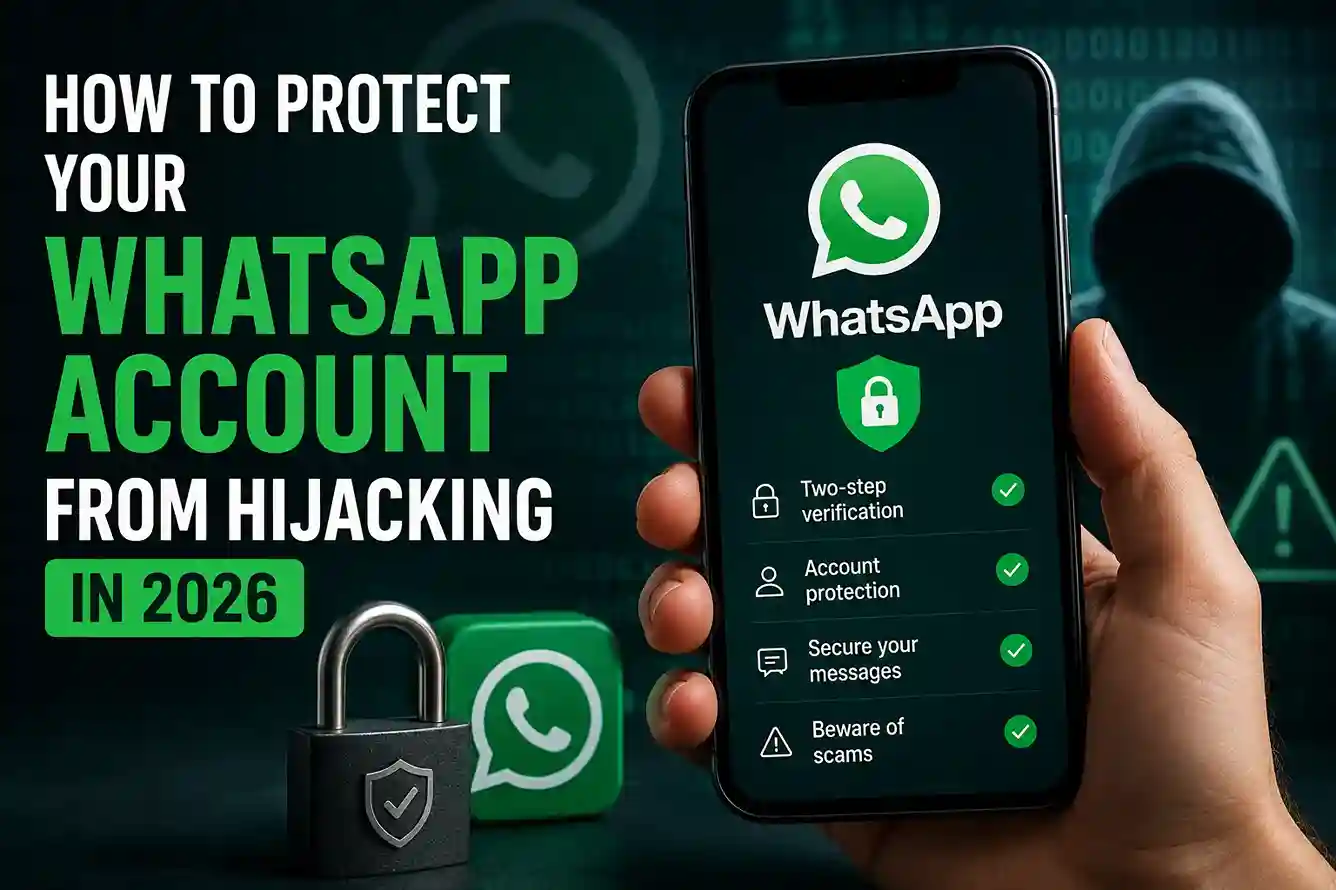
How to protect your WhatsApp account from hijacking in 2026 is now a basic digital safety skill, not a niche tech concern. WhatsApp is often where people talk to family, coordinate work, share banking updates, and exchange sensitive personal details. That makes it a high-value target for scammers. A hijacked account can be used to trick your contacts, request money, steal verification codes, or spread more scams from your name. Readers who already follow safer habits like How to Protect Your Email Account From Hackers in 2026 and How to Create a Personal Cybersecurity Checklist in 2026 are usually better prepared, because WhatsApp hijacking often starts with the same weak points: rushed clicks, leaked codes, and poor account hygiene. The FTC warns that scammers frequently use urgent messages and unexpected requests to push people into sharing personal information too quickly.
In real-world situations, WhatsApp hijacking does not always look dramatic at the start. Sometimes it begins with a message that claims your account is being verified, a six-digit code that arrives out of nowhere, or a “friend” asking you to send a code because they are locked out. That is exactly why good habits matter. If you already learned from How to Check If a Website Is Safe Before Entering Personal Details in 2026 and How to Strengthen Your Digital Privacy Habits in 2026, you already understand the core idea: verify first, trust later. CISA also explains that phishing and social engineering succeed when attackers pressure people into believing the wrong source before they verify it.
How to Protect Your WhatsApp Account From Hijacking in 2026
The most effective protection is not a single setting. It is a set of habits that make it much harder for someone to take over your number, your login session, or your verification process. WhatsApp says the registration code sent to your phone is the only way to activate your account, and it also offers two-step verification with a PIN for extra protection.
1. Turn on two-step verification immediately
If you only do one thing, do this. WhatsApp’s two-step verification adds a PIN that makes account takeover much harder even if someone gets your SMS code. That extra step matters because hijackers often try to capture the one-time registration code first and then move quickly before you react. WhatsApp’s help center explains that you can manage two-step verification in the app settings.
A strong PIN should not be easy to guess. Avoid birthdays, repeated digits, and common patterns. Write it down in a secure place if you are the kind of person who forgets PINs often, but do not store it in a plain note on the same phone you use for WhatsApp.
2. Never share a WhatsApp verification code
This is where many takeovers begin. A scammer may text or call you pretending to be a friend, support agent, delivery service, or even WhatsApp itself. They ask you to “read back” a code or send a screenshot of a message. Do not do it. WhatsApp says that if you receive a verification code you did not request, you should not share it.
The pattern is familiar across many scams. The FBI says tech support scams and related impersonation scams often involve criminals posing as support or service personnel, including banking, online shopping, and internet-related support. If someone on WhatsApp is pushing you to send a code, that is not help. It is a takeover attempt.
3. Be careful with linked devices
WhatsApp Web and linked devices are convenient, but they also create another place where account access can be abused if your phone is unlocked or your session is left open somewhere. Check your linked devices regularly and remove anything you do not recognize. This is especially important if you share a laptop, use work devices, or sometimes log in from a public computer.
A simple rule helps: if you would not leave your wallet open on a table, do not leave your WhatsApp session open on a device you barely control. Readers who already use safer routines like How to Keep Your Personal Data Safe Online in 2026 tend to treat device access the same way: limited, intentional, and reviewed often.
4. Lock down your phone number with stronger carrier security
WhatsApp hijacking is often really a phone-number problem first. If a scammer can hijack your SIM or persuade your carrier to move your number, they may receive SMS verification codes meant for you. Contact your mobile carrier and ask what account protections are available, such as a SIM PIN, port-out lock, or additional verification for number transfers.
This step is easy to overlook because people focus on the app, not the number underneath it. In practice, both matter. A secured phone number is one of the best barriers against account recovery abuse.
5. Secure your email account too
WhatsApp recovery and related account alerts can become easier to abuse if your email is weak. If someone gains access to your email, they may reset other services, track notifications, or use your inbox to pressure you with believable messages. That is why How to Protect Your Email Account From Hackers in 2026 fits naturally into WhatsApp safety.
A strong email setup should include a unique password, two-factor authentication, and recovery details that are current. You do not want your messaging security to depend on an inbox that is already compromised.
6. Watch for suspicious messages pretending to be support or security alerts
Fake support messages often sound urgent and technical. They may claim your account is at risk, your verification failed, or your number needs to be “reconfirmed.” These messages are designed to interrupt your judgment. The FTC advises consumers not to respond to unexpected requests for personal information, and CISA says phishing is a deceitful tactic that tries to get people to reveal private information or take harmful actions.
A practical habit is to never solve WhatsApp problems through a message thread that contacted you first. Open the app yourself, check settings yourself, and verify through official channels only.
7. Keep your privacy habits strong outside WhatsApp
WhatsApp hijacking is often easier when your personal information is widely exposed. Public phone numbers, old account leaks, weak passwords on other services, and overshared profile details can all make impersonation easier. That is one reason why How to Delete Your Personal Information From the Internet and How to Strengthen Your Digital Privacy Habits in 2026 are useful companion reads. The less information scammers can confidently reuse, the harder it becomes for them to sound credible.
8. Treat money requests on WhatsApp as suspicious by default
If someone messages you on WhatsApp asking for money, gift cards, a rushed transfer, or a code “to release a payment,” slow down immediately. Hijacked accounts are often used to scam friends and family because those contacts are more likely to trust the message. A scammer can sound believable by copying the tone of the real owner.
This is where account protection and scam awareness overlap. Guides like How to Spot Online Scams Before It Is Too Late in 2026 and How to Avoid Fake Customer Support Scams in 2026 reinforce the same rule: if a message creates urgency, stop and verify before acting.
Common mistakes that make hijacking easier
One common mistake is assuming a hijack can only happen if you clicked a bad link. That is no longer true. Many takeovers begin with code theft, SIM abuse, social engineering, or a friend who has already been tricked. Another mistake is trusting a message because the sender appears to be someone you know. Hijacked accounts often inherit trust from the real person.
A third mistake is ignoring the recovery settings until something goes wrong. The best time to confirm your PIN, recovery options, linked devices, and phone-number protections is before a problem starts. Readers who already use a routine like How to Create a Personal Cybersecurity Checklist in 2026 usually make fewer of these mistakes because they review account settings on purpose instead of waiting for a crisis.
What to do if your WhatsApp account has already been hijacked
If you think someone else is using your WhatsApp account, act quickly. First, try to register your phone number again on your own device. WhatsApp says account recovery depends on the registration process and two-step verification state, and in some cases, if another person enabled two-step verification and you do not know the PIN, you may need to wait before resetting it.
Next, tell your contacts right away through another channel. Ask them not to trust any money request, code request, or strange message from your number until you regain control. Then secure your email, review linked devices, and contact your carrier if you suspect SIM abuse. If your bank, shopping, or other sensitive accounts may also be exposed, secure those immediately as well. The FTC recommends acting quickly after suspected scam exposure, and the FBI advises victims of impersonation and support scams to document the incident and protect financial accounts.
If the hijack started with a code or message that looked convincing, do not blame yourself. These scams are built to look routine. What matters most is how fast you respond.
Best practices that keep WhatsApp safer long term
The most reliable protection comes from a few steady habits:
- Use two-step verification and keep the PIN memorable but hard to guess.
- Review linked devices regularly.
- Keep your phone, WhatsApp app, and operating system updated.
- Never share verification codes with anyone.
- Secure your email and mobile carrier account.
- Keep personal details limited across the web.
- Verify strange money requests through a second channel.
- Treat urgent messages as suspicious until proven real.
That combination works because it closes the usual paths scammers rely on. It also fits neatly with the broader safety habits in How to Check If a Website Is Safe Before Entering Personal Details in 2026 and How to Create a Personal Cybersecurity Checklist in 2026. In many real-world situations, prevention is less about one perfect tool and more about making the easy attack path unavailable.
Conclusion
How to protect your WhatsApp account from hijacking in 2026 comes down to a few non-negotiable habits: enable two-step verification, never share verification codes, check linked devices, secure your phone number and email, and verify any urgent message before acting. WhatsApp’s own help pages make clear that registration codes and two-step verification are central to account security, while FTC, CISA, and the FBI all warn that impersonation and phishing work by pushing people to trust too quickly.
If you combine those steps with the broader safety habits in How to Protect Your Email Account From Hackers in 2026, How to Strengthen Your Digital Privacy Habits in 2026, and How to Spot Online Scams Before It Is Too Late in 2026, you make WhatsApp much harder to hijack and much easier to recover if something goes wrong. The safest pattern is always the same: pause, verify, and do not let urgency make the decision for you.
FAQ
How do I know if my WhatsApp account is being hijacked?
Warning signs include unexpected logout prompts, messages you did not send, verification codes you did not request, or friends telling you that strange messages came from your number.
What should I do if I get a WhatsApp verification code I did not ask for?
Do not share it with anyone. WhatsApp says that if you receive a code you did not request, it should not be given to another person.
Is two-step verification enough to protect WhatsApp?
It is one of the most important protections, but it works best when combined with carrier security, email security, and careful verification habits. WhatsApp says two-step verification adds a PIN on top of the registration process.
Can someone hijack WhatsApp without my phone?
Yes. Scam methods can include stolen verification codes, SIM abuse, or social engineering that tricks you into revealing access details.
What is the fastest way to recover a hijacked WhatsApp account?
Try to re-register your number on your device, secure your email and carrier account, warn your contacts, and follow WhatsApp’s account recovery steps. If two-step verification was enabled by someone else and you do not know the PIN, recovery may be delayed.

Shiva S writes about AI, cybersecurity, online safety, Google Discover, and digital trends. His focus is creating practical, easy-to-understand guides that help readers stay informed and safer online.