
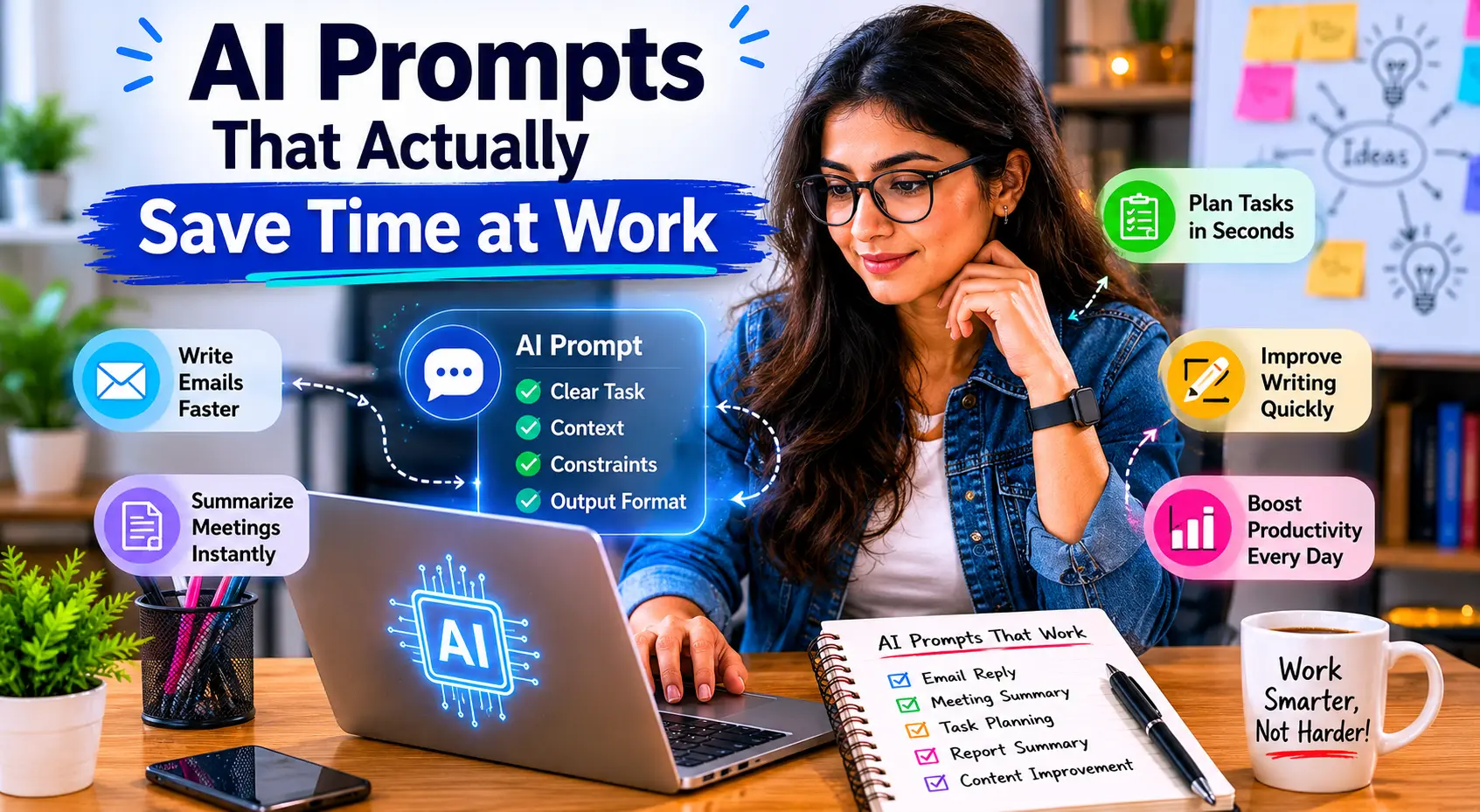
AI prompts that actually save time at work are usually not the fanciest ones. They are the clearest ones. The strongest prompts give the model a specific job, enough context to do it well, and a clean output format so you do not waste time rewriting the result. OpenAI’s guidance emphasizes clear instructions, concrete examples, and well-defined tool use, while Microsoft’s Copilot guidance highlights the value of stating your goal, context, expectations, and source. Anthropic also notes that prompt engineering is useful, but not every problem should be solved by prompting alone.
If your team already uses tools like AI Task Management Tools 2026, AI Meeting Notes Tools 2026, or AI Time Tracking Tools 2026, the next efficiency gain is learning how to ask for better output in less time. That is where prompt quality starts to matter as much as the tool itself.
Why better prompts save time
A good prompt reduces back-and-forth. Instead of asking AI for something vague and getting a generic answer, you give it a task that already has direction. That can save time in drafting emails, summarizing meetings, creating checklists, planning work, or turning rough notes into something usable. Microsoft’s prompt guidance makes the same point by encouraging users to be specific about the goal, context, expectations, and source.
In real-world situations, this matters more than people expect. A weak prompt can turn a five-minute task into a twenty-minute cleanup job. A strong prompt can do the opposite: it can turn scattered thoughts into a draft you only need to polish. That is why prompts are especially useful alongside Useful AI Tools 2026 and AI Tools in 2026, where the goal is not just using AI, but using it efficiently.
The simplest prompt structure that works
A prompt does not need to be long. It needs to be clear. The easiest structure is:
Task + Context + Constraints + Output format
For example:
- Task: Summarize this meeting note.
- Context: Use it for a project update.
- Constraints: Keep it under 150 words and mention only action items.
- Output format: Bullet points.
That simple structure lines up with the guidance from OpenAI and Microsoft, both of which emphasize giving the model enough direction to produce useful output the first time.
AI prompts that actually save time at work
1. Turn messy notes into a clean summary
Prompt:
“Turn these notes into a short, professional summary for my manager. Keep it under 120 words, highlight decisions first, and list any open questions at the end.”
This is one of the most useful prompts in any office setting because it removes the most boring part of writing: reorganizing rough information. If your workflow includes AI Meeting Notes Tools 2026, this prompt helps convert raw transcripts into something people can actually read and act on.
2. Write a reply that sounds professional but natural
Prompt:
“Draft a polite, concise reply to this email. Keep the tone professional, warm, and direct. Give me two versions: one short and one slightly more detailed.”
This is especially useful when you need speed without sounding robotic. AI Email Writing Tools 2026 fits naturally with this use case, because the value is not just speed; it is faster communication with less rewriting. OpenAI’s guidance also recommends giving examples or clear format expectations when you want output that matches a specific style.
3. Convert a long document into action items
Prompt:
“Read this document and extract action items, owners, and deadlines. Present them in a table.”
This prompt saves time because it forces structure. Instead of rereading a long document, you get a decision-ready output. It works well for planning calls, project handoffs, and post-meeting follow-ups. Microsoft’s prompting tips specifically encourage clear expectations for what you want the AI to return.
4. Break a large task into smaller steps
Prompt:
“Help me turn this project into a step-by-step plan. Include the first three actions I should take today.”
This is one of the best prompts for people who feel stuck. It changes AI from a writing tool into a planning tool. In a workflow that also uses AI Task Management Tools 2026, the prompt can create a more practical daily structure instead of a vague list of ideas.
5. Improve a rough draft without changing the meaning
Prompt:
“Edit this draft for clarity, flow, and concision. Keep the meaning the same, but make it easier to read.”
This is a classic time-saving prompt because it avoids the common mistake of asking AI to “make it better” without saying what better means. OpenAI and Anthropic both emphasize that precise success criteria improve output quality.
6. Create a meeting agenda from a goal
Prompt:
“Create a 30-minute meeting agenda for a team review focused on deadlines, blockers, and decisions. Keep it practical and time-boxed.”
This saves time before the meeting even starts. Instead of drafting an agenda from scratch, you get a useful starting point in seconds. If your team works with AI Browser Assistants 2026 or other workplace AI tools, this kind of prompt makes the whole workflow feel smoother.
7. Summarize research without losing the main point
Prompt:
“Summarize this article in five bullets. Focus on the main argument, the most useful supporting detail, and any practical takeaway for work.”
This is helpful when you need to review multiple sources quickly. OpenAI’s and Microsoft’s guidance both point toward clarity, context, and output format as the main ingredients of better results.
8. Make a reusable template
Prompt:
“Create a reusable template for weekly status updates. Make it short, easy to copy, and suitable for internal team updates.”
This is one of the best ways to save time long term. Instead of asking AI for a one-off draft every week, you create a format you can reuse. That is also how people get more value from AI Agents in 2026: Future of Work, where repeatable tasks matter more than one-time outputs.
Common mistakes that waste time
The biggest mistake is being too vague. Prompts like “write this better” or “help me with this” often produce generic answers, which means you spend extra time correcting them.
Other common mistakes include:
- Not saying who the audience is.
- Not specifying the tone.
- Not defining the length.
- Not telling AI what format you want.
- Asking for too much at once.
Anthropic’s prompt engineering overview makes a useful distinction here: some problems respond well to better prompting, but others need a different tool, a different workflow, or a different model choice.
Best practices for prompts that save real time
The best prompts usually share five habits.
First, they name the task clearly. Second, they include context. Third, they define the audience. Fourth, they set constraints. Fifth, they ask for a specific output format.
For example, compare these two prompts:
Weak: “Summarize this.”
Better: “Summarize this report for a busy manager in 100 words or less. Use bullet points and highlight the decision needed.”
The second one takes less time because it gives the AI a target. Microsoft’s Copilot guidance and OpenAI’s prompt documentation both support this style of prompting.
Another useful habit is to ask for examples, tables, checklists, or versions. That works especially well when you need output that is easy to compare or edit. OpenAI’s guidance on prompting and tool use specifically recommends concrete examples and clear instructions for better reliability.
Prompt templates you can use right away
Here are a few practical templates.
For writing:
“Write a [format] for [audience] about [topic]. Keep the tone [tone], the length [length], and include [key points].”
For summarizing:
“Summarize [document/text] into [number] bullets for [audience]. Focus on [priority].”
For planning:
“Turn this goal into a step-by-step plan with priorities, deadlines, and next actions.”
For editing:
“Improve clarity and grammar without changing meaning. Keep the original tone as much as possible.”
For research:
“Compare these options in a table using cost, time, pros, and cons.”
Templates like these are useful because they turn prompting into a repeatable work habit instead of a guessing game. If your content team also tracks productivity topics like AI Productivity Tools 2026 and AI Time Tracking Tools 2026, these templates can support a much faster workflow across the whole week.
How to get better results without overcomplicating it
You do not need to sound technical. You just need to be specific. The strongest prompts usually read like clear instructions from one professional to another.
A simple test helps:
- If the AI answer is too broad, add more context.
- If it is too long, add a length limit.
- If it misses the point, restate the goal.
- If it sounds too formal or too casual, define the tone.
- If it gives the wrong format, specify the structure.
That approach is consistent with the prompt guidance published by OpenAI, Microsoft, and Anthropic, all of which focus on giving the model better signals rather than expecting it to guess what you meant.
FAQ
What makes an AI prompt save time at work?
A prompt saves time when it reduces editing, guessing, and repetition. The best prompts tell AI what to do, what context matters, and what the final answer should look like.
Should prompts be long?
Not necessarily. A short prompt can work very well if it includes the task, context, and output format. Long prompts are only useful when the task is complex.
Is one prompt enough, or should I iterate?
For simple tasks, one good prompt may be enough. For more complex work, a second prompt can refine tone, length, or structure. That is normal and often faster than trying to get perfection in one step.
What kinds of work benefit most from AI prompts?
Email drafting, meeting summaries, planning, research summaries, document cleanup, and task breakdowns tend to benefit the most because they involve repeatable writing and structure.
Conclusion
The most effective AI prompts that actually save time at work are not complicated. They are specific, structured, and easy for the model to follow. When you clearly define the goal, context, constraints, and output format, AI becomes much more useful for writing, planning, summarizing, and organizing work. That is why pages like AI Meeting Notes Tools 2026, AI Email Writing Tools 2026, AI Task Management Tools 2026, and AI Browser Assistants 2026 fit so naturally around this topic: the real value comes from using AI in a way that reduces effort, not creates more of it. Prompting well is a small skill, but it has an outsized effect on daily productivity.

Shiva S writes about AI, cybersecurity, online safety, Google Discover, and digital trends. His focus is creating practical, easy-to-understand guides that help readers stay informed and safer online.