
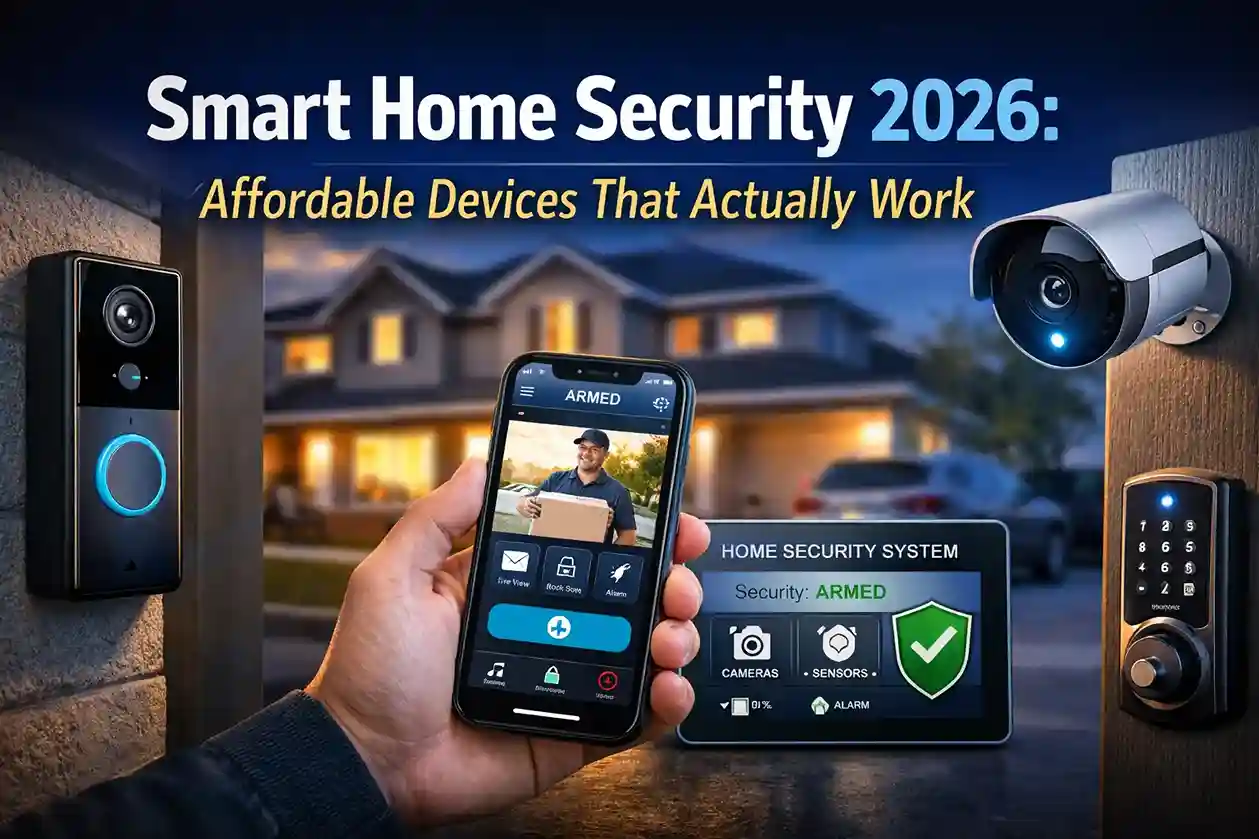
Home security has changed dramatically over the past few years. What once required expensive wiring, long-term contracts, and professional installation can now be set up in less than an hour using smart devices connected to your smartphone.
In 2026, smart home security is no longer a luxury — it’s practical, affordable, and increasingly necessary. With rising package deliveries, remote work setups, and growing urban populations, homeowners and renters alike are investing in smarter protection systems.
This guide explains what works, what to avoid, and how to build a reliable home security setup without overspending.
Why Smart Home Security Is Growing Rapidly
The demand for smart home security has surged for several real-world reasons:
- Remote work is permanent for many professionals. People now keep expensive laptops, equipment, and electronics at home.
- Online shopping has increased. Package theft (often called “porch piracy”) has become more common.
- DIY technology is easier to use. Modern apps guide you step-by-step during setup.
- Costs have dropped significantly. What used to cost thousands now costs a few hundred dollars.
Major brands like Ring, Arlo Technologies, and Google Nest have made smart security more accessible with wireless systems and user-friendly mobile apps.
Real-Life Example: How a Video Doorbell Prevented Package Theft
Consider this common scenario:
A homeowner working remotely receives a delivery notification but is busy in meetings. A smart video doorbell detects motion and sends an alert. Through the mobile app, the homeowner sees someone approaching the package and uses two-way audio to say, “I’m watching — please leave that package.”
In most cases, that interaction alone prevents theft.
Devices like those from Ring and Google Nest provide instant notifications, recorded clips, and cloud storage, making this level of protection affordable.
The 6 Smart Security Devices That Actually Work in 2026
1. Video Doorbells
Video doorbells are one of the most practical investments today.
They allow you to:
- See visitors in real time
- Speak through two-way audio
- Record suspicious activity
- Monitor deliveries
Best for: Apartment residents, online shoppers, and families with children.
2. Outdoor Security Cameras
Modern outdoor cameras now offer:
- 2K or 4K resolution
- Night vision
- Weather resistance
- AI-based motion detection
For example, a homeowner traveling abroad can check live footage anytime through their smartphone and receive instant alerts if unusual activity is detected.
Brands like Arlo Technologies focus heavily on high-resolution outdoor monitoring with smart detection features.
3. Smart Locks
Smart locks eliminate the need for physical keys.
Real-world benefits:
- Create temporary access codes for guests
- Unlock doors remotely for deliveries
- Track entry history
For Airbnb hosts or rental property owners, this feature saves time and improves convenience.
Smart locks often integrate with voice assistants from Amazon (Alexa) and Google (Google Assistant).
4. Motion Sensors
Motion sensors are small but powerful. They can trigger alarms or lights when movement is detected in restricted areas such as garages or backyards.
For example, a backyard motion sensor linked to smart lighting can automatically illuminate the area at night — discouraging trespassers.
5. Indoor Monitoring Cameras
Indoor cameras are helpful for:
- Checking on elderly family members
- Monitoring pets
- Watching children after school
However, privacy placement is important. Cameras should be installed responsibly and never in private areas.
6. DIY Smart Alarm Systems
Modern alarm systems no longer require complicated wiring. Many starter kits include:
- Base station
- Door/window sensors
- Keypad control
- Mobile app access
Installation usually takes less than 60 minutes.
How Much Does It Really Cost?
You don’t need a large budget.
- Basic video doorbell: $80–$150
- Outdoor camera: $100–$250
- Smart lock: $120–$300
- Full starter kit: $250–$600
Compared to traditional security companies that charge installation fees and monthly contracts, smart security systems are significantly more affordable in 2026.
Common Mistakes to Avoid
- Ignoring Wi-Fi signal strength
- Choosing low-resolution cameras
- Not enabling two-factor authentication
- Overlooking subscription fees
- Installing devices without testing notifications
Smart security is only effective if properly configured.
Privacy & Data Protection in 2026
While these devices improve safety, protecting your digital privacy is equally important.
Follow these simple steps:
- Use strong, unique passwords
- Enable two-factor authentication
- Update firmware regularly
- Review cloud storage settings
- Avoid placing cameras in sensitive indoor areas
Security should enhance your protection — not create new vulnerabilities.
Is Smart Home Security Worth It?
For most homeowners and renters, the answer is yes.
Smart security provides:
- Real-time alerts
- Remote monitoring
- Affordable installation
- Peace of mind
In 2026, home security is no longer reactive — it’s proactive. The ability to monitor, communicate, and respond instantly makes smart systems a practical investment.
Final Thoughts
Smart home security has evolved from expensive luxury systems into accessible, DIY-friendly technology that anyone can install.
Whether you live in an apartment, independent house, or rental property, investing in the right combination of video doorbells, cameras, and smart locks can significantly improve your home’s safety.
The key is not buying the most expensive device — but choosing reliable, well-reviewed products and setting them up properly. You can also explore our guide on smart digital trends shaping 2026 to understand how connected devices are transforming everyday life.
Looking to upgrade your home security in 2026? Start with a smart doorbell and expand gradually based on your needs and budget.
Frequently Asked Questions (FAQs)
1. What is the best smart home security setup for beginners in 2026?
For beginners, start with a video doorbell and one outdoor security camera. These two devices cover entry points and package deliveries. If your budget allows, add a smart lock for keyless access. You don’t need a full system immediately — start small and expand gradually.
2. Do smart home security systems require a monthly subscription?
Not always. Many devices offer free basic features like live viewing and motion alerts. However, cloud storage and advanced AI detection usually require a monthly subscription. Always check pricing before buying to avoid unexpected recurring costs.
3. Can smart security cameras work during a power outage?
Most smart cameras stop working during a power cut unless connected to a backup battery or UPS system. Some advanced models include built-in battery backup, but Wi-Fi routers also need power to maintain remote access.
4. Are smart home security systems safe from hackers?
Yes — if properly secured. Use strong passwords, enable two-factor authentication, update firmware regularly, and avoid using public Wi-Fi to access security apps. Security depends more on user setup than the device itself.
5. Is smart home security worth it for renters?
Absolutely. Many modern devices are wireless and require no drilling or permanent installation. Renters can use video doorbells, indoor cameras, and smart locks without modifying the property permanently.
Written by the LatestNewss Editorial Team — covering tech and digital innovation trends.