
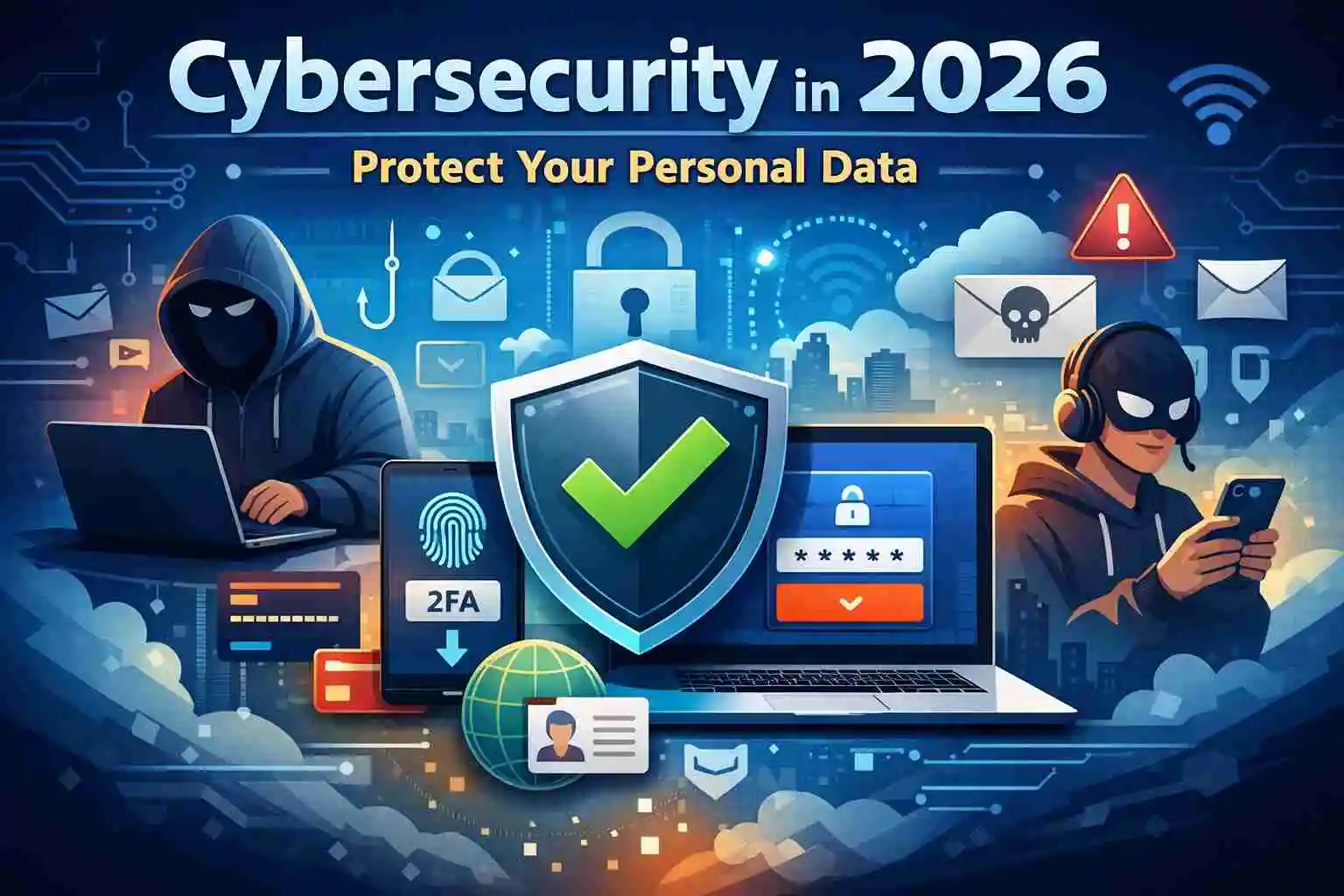
Introduction — Why Cybersecurity Matters More Than Ever
In 2026, almost every part of our daily life is connected to the internet. We use online banking, digital payments, social media, cloud storage, remote work tools, and smart devices at home. While this makes life easier, it also increases the risk of personal data theft.
Cybercrime is no longer limited to large companies. Today, normal internet users are common targets. Attackers use automated tools, fake messages, and smart tricks to steal passwords, money, and identities.
The good news is — you do not need to be a technical expert to protect yourself. With the right awareness and a few simple habits, you can prevent most cyber attacks.
This guide explains everything in simple language with practical examples. Many risks discussed here are connected to broader technology shifts explained in our Digital Trends 2026 report.
What Is Personal Data (In Simple Words)
Personal data is any information that can identify you or give access to your accounts.
Examples include:
- Email and passwords
- Bank account and card details
- Government ID numbers
- Phone number and address
- Photos and personal documents
- Login OTP codes
- Social media accounts
If criminals get this information, they can pretend to be you, take over accounts, or steal money.
Most Common Cyber Threats in 2026
Phishing Scams — Fake Messages That Trick You
Phishing is when attackers send fake emails, SMS, or messages that look real. They try to make you click a link or enter your password.
Example:
You receive a message that says your bank account will be blocked today and asks you to verify immediately. The link opens a website that looks exactly like your bank — but it is fake. When you login, attackers capture your password. Learning how to recognize phishing attacks can prevent most email and SMS fraud attempts.
How to stay safe:
- Never login through links in messages
- Type website address manually
- Check sender address carefully
- When in doubt, contact the company directly
Password Reuse Attacks — One Password Everywhere
Many people reuse the same password across multiple websites. This is one of the biggest security risks.
Example:
A small shopping website gets hacked and passwords leak. If you used the same password for your email, attackers can now access your email and reset other important accounts.
How to stay safe:
- Use different passwords for important sites
- Use long passwords (at least 14 characters)
- Enable two-factor authentication (2FA)
Malware and Fake Software Downloads
Malware is harmful software hidden inside downloads, email attachments, or fake apps.
Example:
You download a “free premium software” from an unofficial site. It works — but it also secretly records your keystrokes and steals passwords.
How to stay safe:
- Download only from official websites or app stores
- Avoid cracked or pirated software
- Keep your system updated
- Use trusted security software
Deepfake Voice and Video Scams
Modern AI tools can copy voices and faces. Criminals use this to create fake calls and videos.
Example:
You receive a call that sounds exactly like your relative asking for urgent money. Later you learn it was an AI-generated voice.
How to stay safe:
- Always verify urgent money requests
- Call back on known numbers
- Ask a personal verification question
- Do not act only on voice messages
Simple Cybersecurity Tools Everyone Should Use
You don’t need many tools — just a few basics.
Use Antivirus Protection
Security software helps detect harmful files and unsafe downloads. Keep it updated and enable automatic scanning.
Use a Password Manager
A password manager creates and stores strong passwords securely.
Example benefit:
Instead of remembering 25 passwords, you remember only one master password.
Enable Two-Factor Authentication (2FA)
2FA adds a second login step — usually a one-time code or app approval. Even if someone steals your password, they still cannot login.
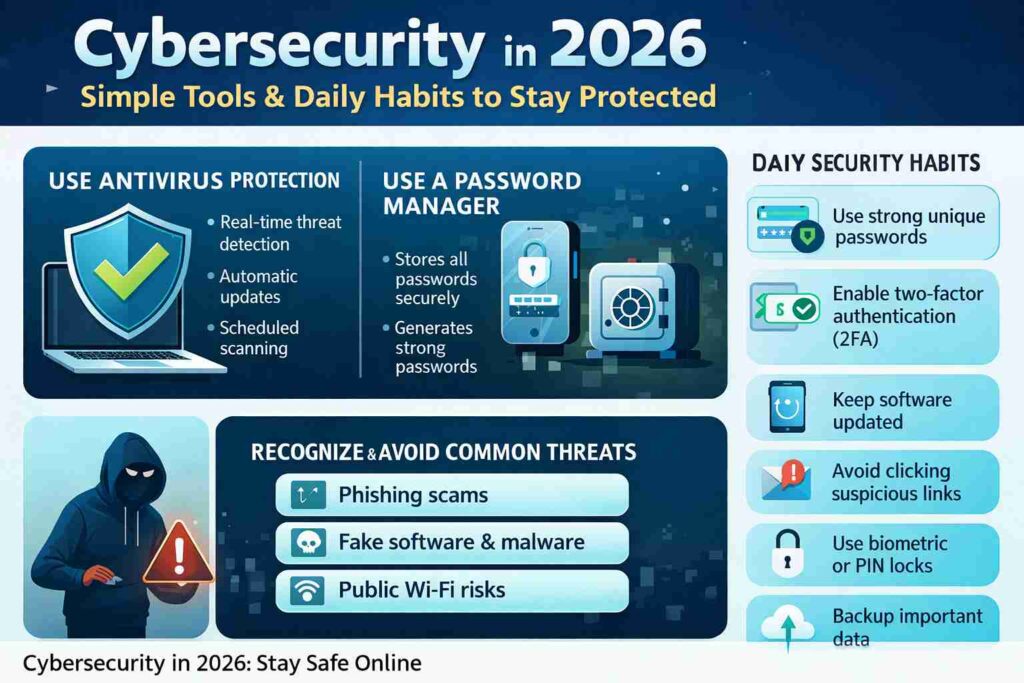
Daily Habits That Prevent Most Cyber Attacks
These simple habits protect you more than any advanced tool:
- Use different passwords for important accounts
- Turn on 2FA everywhere possible
- Keep phone and laptop updated
- Do not click unknown links
- Never share OTP codes with anyone
- Lock devices with PIN or biometrics
- Review bank alerts regularly
- Backup important files weekly
Most real attacks succeed because these basics are ignored.
Public Wi-Fi Safety
Public Wi-Fi in cafes, airports, and hotels is convenient — but risky.
Example risk:
Attackers on the same network can try to intercept your data.
Safety rules:
- Avoid banking on public Wi-Fi
- Avoid entering passwords on shared networks
- Use mobile data for sensitive work
- Use a VPN if you must use public Wi-Fi
Social Media Safety Mistakes
People often overshare personal details online.
Risky example:
Posting travel plans publicly before leaving home.
Better practice:
Share photos after returning.
Also:
- Keep profiles private
- Hide phone and email visibility
- Don’t post ID cards or tickets
- Don’t accept unknown friend requests
Cybersecurity Tips for Families and Children
Children are common targets for scams and manipulation.
Parents should:
- Teach kids not to share personal info
- Review installed apps
- Enable parental controls
- Explain stranger danger online
- Encourage kids to report suspicious messages
Simple rule for kids:
If something feels strange online — tell parents immediately.
What To Do If You Think You Are Hacked
Act quickly — fast response reduces damage.
- Change affected passwords immediately
- Enable 2FA
- Logout from all devices
- Run a full security scan
- Check bank and payment activity
- Remove unknown apps or extensions
- Inform contacts if your account sent spam
Do not delay — early action matters.
You can also follow official cyber safety guidelines published by government security agencies to stay updated on current threats.
Final Thoughts
Cybersecurity in 2026 is not about advanced technical skills — it is about smart habits. Most attacks succeed because users are rushed, distracted, or unaware. When you slow down, verify messages, and use basic protections, you block most threats.
Think of cybersecurity like locking your house. It takes only a few seconds — but prevents major loss.
Frequently Asked Questions:
Q1: How do I know if my personal data has already been leaked online?
In many cases, people don’t realize their data is leaked until something suspicious happens — like password reset emails, unknown login alerts, or strange bank activity. Data leaks often come from hacked websites where you created an account years ago. You can check if your email has been exposed by using reputable breach-checking websites (search “email breach checker”). Also watch for warning signs such as login alerts from new devices, messages you didn’t send, or locked accounts. If you discover a leak, immediately change passwords for that email and any accounts using the same password, and enable two-factor authentication.
Q2: What is the safest way to use online banking and payment apps in 2026?
The safest way to use banking or payment apps is to combine secure habits with device protection. Always access banking through the official app or by typing the website address manually — never through links in emails or SMS. Use a strong device lock (PIN or biometric), enable two-factor authentication, and turn on transaction alerts so you are notified instantly. Avoid doing financial transactions on public Wi-Fi unless you are using a trusted VPN. Also keep your phone and banking app updated, because updates often fix newly discovered security weaknesses.
Q3: Are smartphones more vulnerable than laptops to cyber attacks?
Smartphones are actually targeted more frequently today because people use them for everything — banking, email, social media, and payments. However, phones are also safer than before if properly configured. Most attacks happen due to unsafe app downloads, clicking scam links, or giving permissions to unknown apps. To stay safe, install apps only from official app stores, review app permissions, disable unknown app installation, and keep your operating system updated. Adding a mobile security app and enabling screen lock makes your phone much harder to compromise.
Q4: If I use strong passwords, do I still need two-factor authentication?
Yes — strong passwords alone are no longer enough protection. Even long, complex passwords can be stolen through phishing, malware, or data breaches. Two-factor authentication (2FA) adds a second proof step — like a one-time code or biometric check — which blocks most unauthorized access even if your password is exposed. Think of your password as the door lock and 2FA as a second security gate. Using both together gives much stronger protection than either one alone.
Q5: What should I do immediately if I accidentally click a suspicious link?
Don’t panic — but act quickly. First, do not enter any information on the page that opens. Close the tab or app immediately. Then run a full antivirus or security scan on your device. Change passwords for important accounts, especially email and banking, from a safe device. Enable 2FA if it is not already active. Monitor your accounts for unusual activity over the next few days. If you entered financial information, contact your bank right away. Quick action can prevent most real damage.
By latestnewss.com Editorial Team
Updated 13 Feb 2026