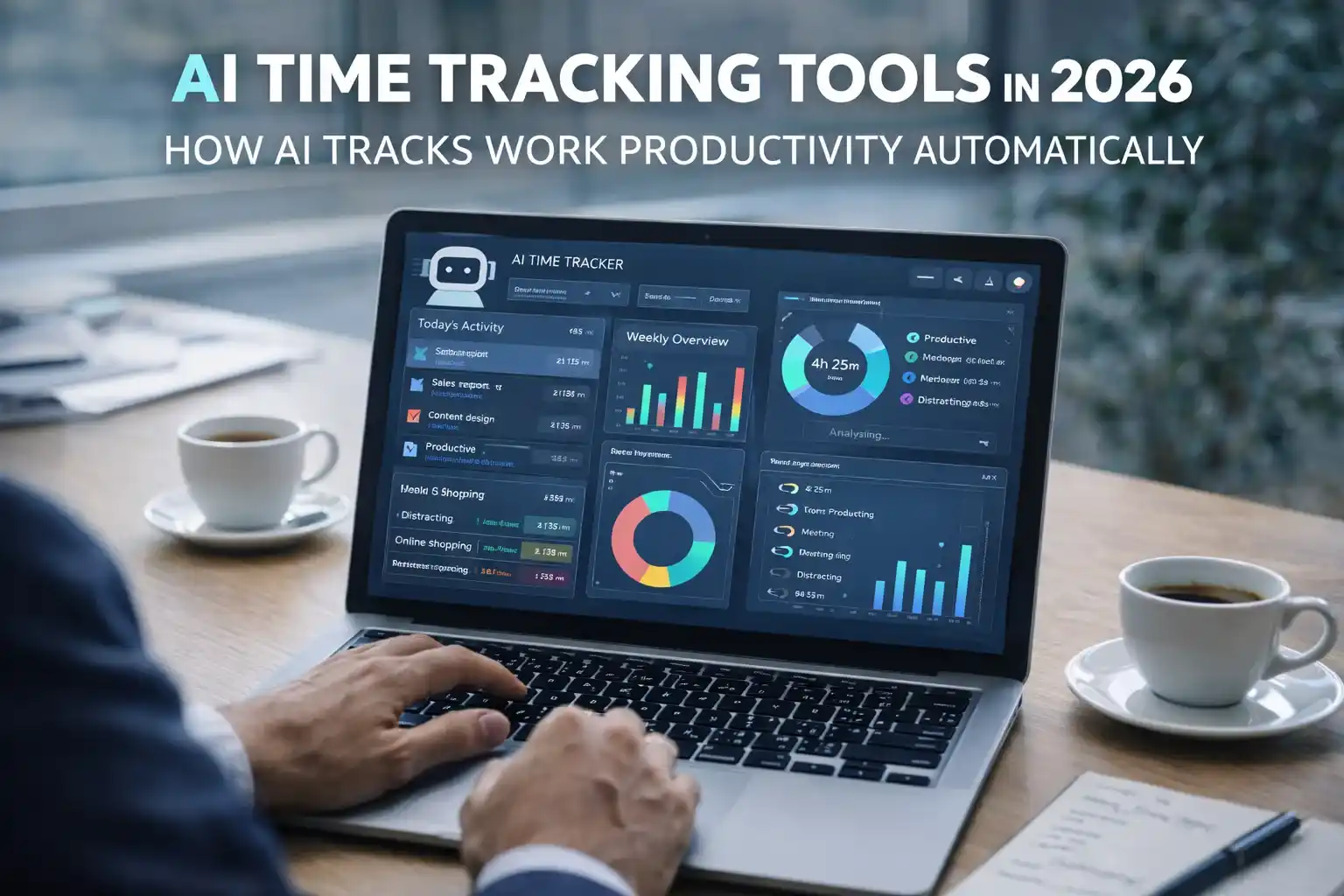

Artificial Intelligence is transforming how people use the internet. Instead of manually searching, reading long articles, and switching between multiple tabs, AI browser assistants now help users complete tasks faster and more efficiently.
In 2026, AI browser assistants are becoming essential tools for professionals, students, and everyday internet users. These smart assistants can summarize web pages, answer questions, automate browsing tasks, and even generate content while you browse. Many AI browser assistants use advanced AI language models to understand web content and provide helpful answers while browsing.
Whether you are researching information, writing emails, or managing multiple online tasks, AI-powered browser assistants can significantly improve productivity. AI browser assistants are part of the new generation of AI productivity tools that help professionals manage time, automate tasks, and work more efficiently online.
In this article, we explore seven powerful AI browser assistants in 2026 that make internet browsing faster and smarter.
What Are AI Browser Assistants?
AI browser assistants are tools or browser extensions powered by artificial intelligence that help users interact with websites more efficiently.
These assistants typically work directly inside web browsers like Chrome, Edge, or Firefox. They analyze web pages, understand user queries, and provide helpful suggestions or actions. Many AI browser assistants are available through the Chrome Web Store, allowing users to install them directly into their browsers.
Common features include:
- Summarizing long articles
- Answering questions about web content
- Automating repetitive tasks
- Writing emails or messages
- Translating text instantly
- Extracting important information from websites
With these capabilities, AI browser assistants reduce the time required to complete online tasks.
Why AI Browser Assistants Are Becoming Popular
The internet contains an enormous amount of information, and navigating it efficiently can be challenging.
AI browser assistants simplify this process by acting as intelligent companions that guide users through web content. Many professionals already use tools like AI meeting notes tools to automatically summarize discussions and organize information.
Here are some reasons why these tools are becoming popular:
1. Faster Information Processing
Instead of reading long articles, AI assistants can summarize the key points instantly.
For example, a student researching climate change can use an AI assistant to quickly understand a 3000-word article in seconds.
2. Increased Productivity
Professionals often work with dozens of tabs open at once. AI assistants help organize information and automate repetitive tasks.
3. Better Research Capabilities
AI tools can analyze multiple sources and extract relevant insights, making research easier.
4. Automation of Everyday Tasks
Some AI assistants can automatically fill forms, schedule meetings, or extract data from websites.
7 Best AI Browser Assistants in 2026
Below are some of the most powerful AI browser assistants currently helping users browse the internet faster.
1. ChatGPT Browser Extension
ChatGPT-based browser assistants are among the most popular AI tools used in modern browsers.
These extensions integrate AI chat capabilities directly into your browsing experience.
Users can ask questions about web pages, summarize articles, or generate text while browsing.
Example Use Case
Imagine reading a technical blog about programming. Instead of spending time understanding complex sections, you can ask the AI assistant to explain the content in simpler terms.
Key Features
- Webpage summarization
- Instant Q&A about page content
- Content rewriting
- Research assistance
This makes ChatGPT extensions particularly useful for writers, researchers, and students.
2. Microsoft Copilot Browser Assistant
Microsoft has integrated its AI assistant into modern browsing experiences through Copilot.
This tool works seamlessly with browsers and helps users analyze web content, generate summaries, and answer questions. Tools like Microsoft Copilot integrate artificial intelligence directly into web browsing and productivity workflows.
Real-Life Example
If you are comparing laptops online, Copilot can summarize product specifications and highlight key differences between models.
Key Features
- Smart content summarization
- AI-powered research support
- Productivity tools for professionals
- Integrated AI chat assistant
3. Sider AI Browser Assistant
Sider is an advanced AI browser extension designed to boost productivity while browsing.
It allows users to interact with AI directly on any webpage.
What Makes It Unique
Sider can analyze YouTube videos, web articles, and PDFs to generate summaries and insights.
Example
A marketer watching a one-hour marketing webinar on YouTube can use Sider to generate a quick summary of the entire video.
Key Features
- AI summaries for videos and articles
- Multi-language translation
- Content generation tools
- Productivity automation
4. Merlin AI Browser Assistant
Merlin is another popular AI-powered browser assistant widely used by professionals.
It works across multiple platforms and websites, making it a versatile tool.
Example
A freelancer writing emails to clients can use Merlin to generate professional responses instantly.
Key Features
- Email writing assistance
- Social media content generation
- Webpage summarization
- AI chat integration
5. Monica AI Assistant
Monica is a powerful AI browser assistant known for its ability to analyze web content quickly.
It integrates with many websites and offers advanced content analysis features.
Example
Researchers reading academic articles can use Monica to extract key insights without reading the entire paper.
Key Features
- Smart content analysis
- AI writing assistance
- Fast research summaries
- Multi-platform compatibility
6. Wiseone AI Research Assistant
Wiseone focuses specifically on helping users understand complex online information.
It is designed for students, journalists, and researchers who frequently read detailed articles.
Example
If you are reading a complicated economics report, Wiseone can break down the information into simpler explanations.
Key Features
- Contextual explanations
- Research insights
- Fact-checking assistance
- Article summaries
7. Compose AI Browser Assistant
Compose AI focuses on helping users write faster while browsing.
It is particularly useful for professionals who write emails, reports, or documents online.
Example
A customer support representative responding to dozens of emails daily can use Compose AI to generate responses automatically.
Key Features
- AI writing automation
- Email generation
- Text autocomplete
- Productivity enhancement
Many professionals combine browser assistants with other AI tools for productivity to automate daily work tasks.
How AI Browser Assistants Improve Productivity
AI browser assistants help users complete tasks faster and more efficiently.
Here are some common productivity benefits:
Faster Research
Students and researchers can quickly summarize long articles and extract relevant information.
Improved Writing Efficiency
Writers and marketers can generate drafts, headlines, and emails within seconds.
Reduced Information Overload
AI assistants highlight important points from large amounts of content.
Better Multitasking
Users can analyze multiple tabs simultaneously without manually reading everything. These assistants are an early step toward fully autonomous AI agents that can complete tasks across multiple websites without manual input.
Are AI Browser Assistants Safe to Use?
Most AI browser assistants are designed with privacy and security in mind.
However, users should still follow best practices:
- Install extensions only from trusted sources
- Review privacy policies
- Avoid sharing sensitive personal information with AI tools
Many popular AI browser assistants also offer enterprise-grade security features.
The Future of AI Browser Assistants
The future of internet browsing is becoming increasingly AI-driven.
In the coming years, AI assistants will likely become even more powerful, offering features such as:
- Fully automated research
- Voice-based browsing assistants
- Personalized web experiences
- Real-time knowledge extraction
Instead of manually searching for information, users may simply ask AI assistants to complete tasks for them.
Conclusion
AI browser assistants are transforming how people interact with the internet. These tools help users save time, process information faster, and improve productivity.
From summarizing web pages to automating writing tasks, AI-powered assistants are becoming essential tools for modern internet users.
Whether you are a student conducting research, a professional managing online tasks, or a content creator gathering information, AI browser assistants can significantly improve your browsing experience.
As artificial intelligence continues to evolve, these tools will play an even bigger role in shaping the future of digital productivity.
Frequently Asked Questions (FAQs)
What is an AI browser assistant?
An AI browser assistant is a tool or extension that uses artificial intelligence to help users browse the internet more efficiently by summarizing content, answering questions, and automating tasks.
Are AI browser assistants free?
Many AI browser assistants offer free versions with limited features. Premium plans typically provide advanced capabilities such as unlimited queries and automation tools.
Which AI browser assistant is best for research?
Tools like Wiseone and Monica are particularly useful for research because they analyze complex articles and extract key insights quickly.
Do AI browser assistants work on all websites?
Most AI browser assistants work on popular websites, including blogs, news sites, and video platforms. However, functionality may vary depending on the website.
Can AI browser assistants help with writing?
Yes, many AI browser assistants include writing tools that help users generate emails, blog posts, and social media content quickly.
Author: LatestNewss Editorial Team
Category: Technology
Published: March 15th, 2026